Facebook: traffic source, URL macros, and campaign pixels
A scenario for Facebook buyers: create a Traffic Source with the Facebook Ads template, bind it on the campaign, paste the tracking URL with the right parameters into Ads Manager, and configure Pixels so tracker conversions reach the ad cabinet. Without this, ATracker counts clicks while Meta optimization sees empty events. See also pixel tracking.
When to use. Before launching a new ad account or offer on FB. If clicks exist in the tracker, spend grows in the cabinet, but Events Manager is quiet — start here instead of rebuilding the flow.
Prerequisites
- An ATracker campaign with a Verified domain + SSL and a working flow.
- Access to Meta Ads Manager Website URL / tracking parameters.
- Know whether you need pixel/CAPI only or also an outbound S2S postback on the Traffic Source.
Step 1 — Traffic Source for Facebook
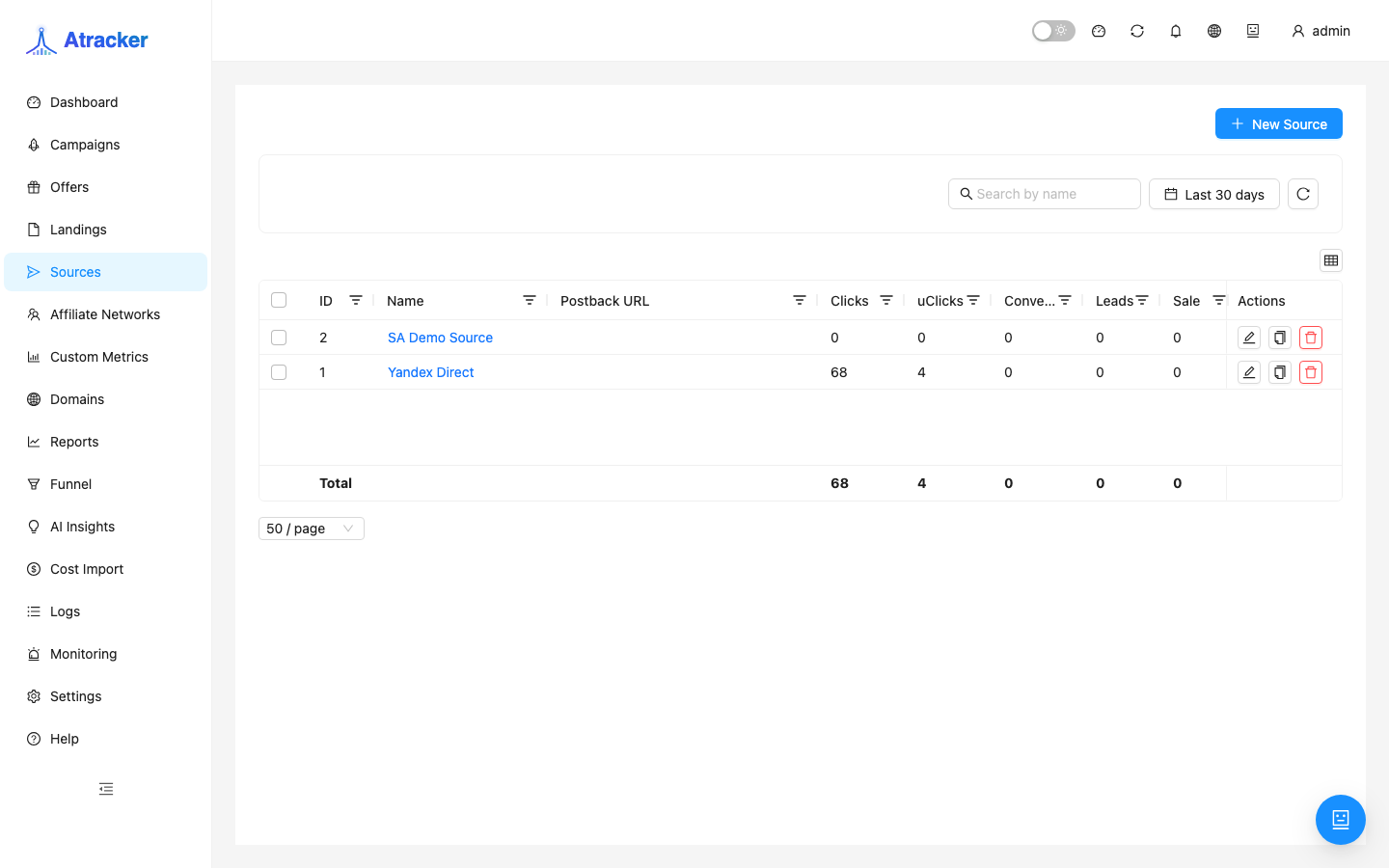
- Sidebar → Sources (
/traffic-sources) → Create. - Name by cabinet, not offer: “FB — acc EU”, “FB — broad US”.
- Pick the Facebook Ads template — typical UTM parameters are prefilled.
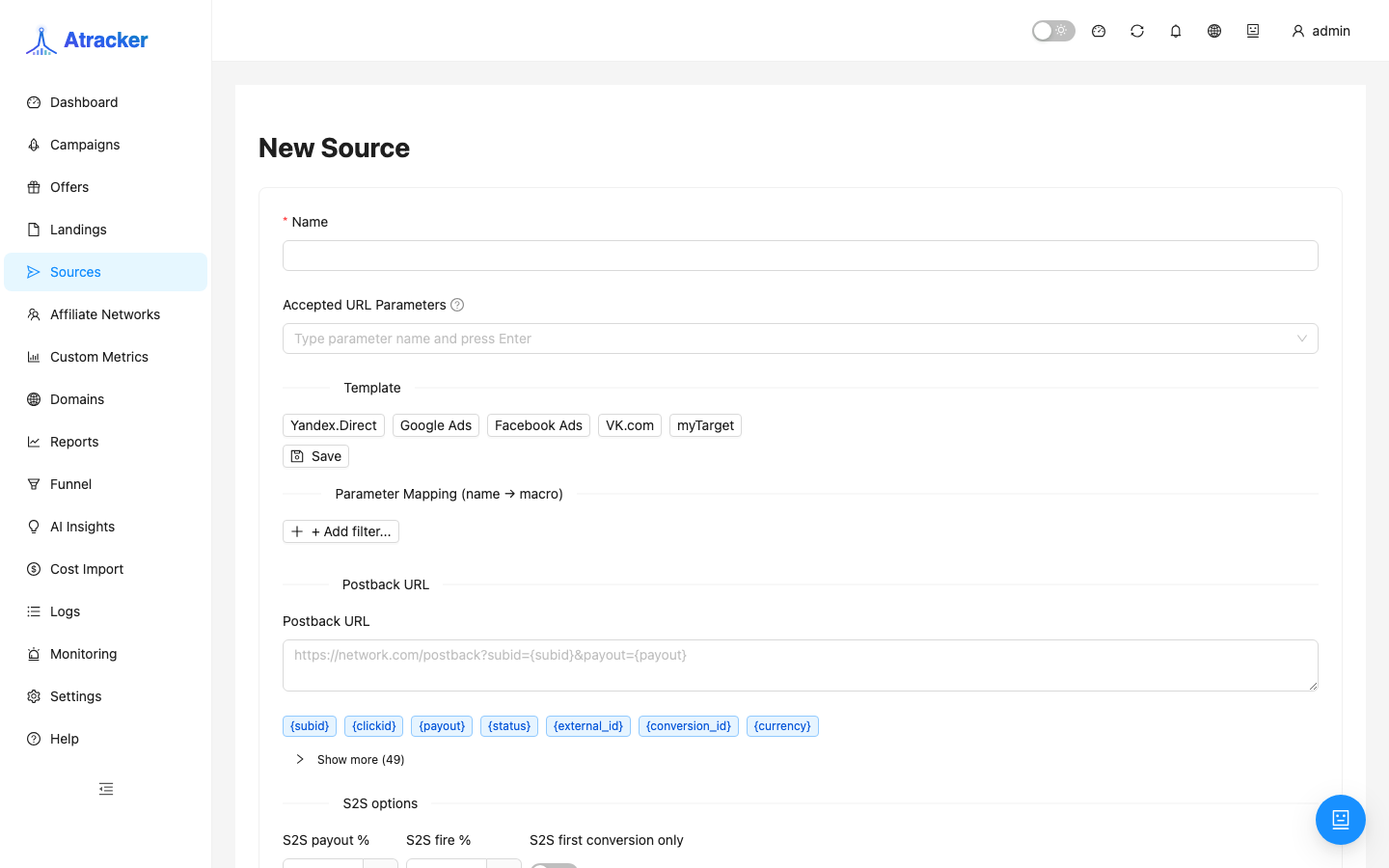
The built-in template sets: utm_source=facebook, utm_medium=cpc, utm_campaign={{campaign.name}}, utm_content={{ad.name}}. These keys appear on the campaign tracking URL and populate matching sub_id_* after a click. If your ads use different names — add rows manually or set campaign Subid Aliases.
Fill Postback URL on the source only when you need server-to-server into Meta on conversion. For most pixel/CAPI setups, the campaign Pixels tab is enough — direction matters: source postback = tracker → ads; network inbound postback = network → tracker.
Step 2 — Bind source and tracking URL
- Open the campaign → Settings → Traffic source → select the FB source → Save.
- Go to the URL & Postback tab.
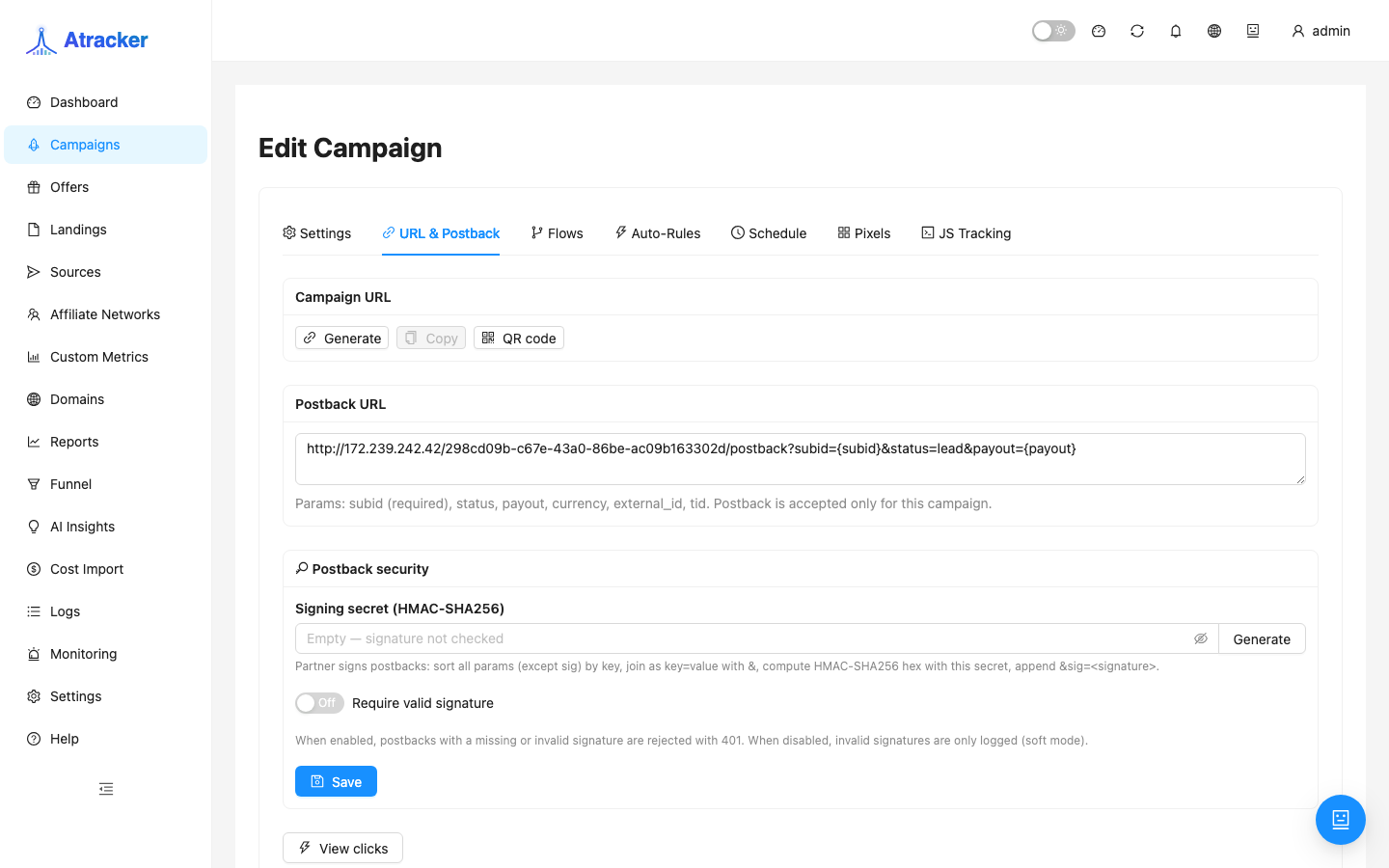
- Copy the Campaign URL. In Ads Manager paste it into Website URL (or append preview params to your landing).
- Match parameter names in the preview to what Meta actually injects. Empty sub_id in reports almost always starts here.
- Test-click from ad preview or Simulate → check Logs → Clicks: utm_* and other fields are non-empty.
Step 3 — Pixels and CAPI on the campaign
The Pixels tab is separate from JS Tracking. Pixels send events to the ad cabinet when a conversion exists in the tracker; JS Tracking records clicks on an external landing.
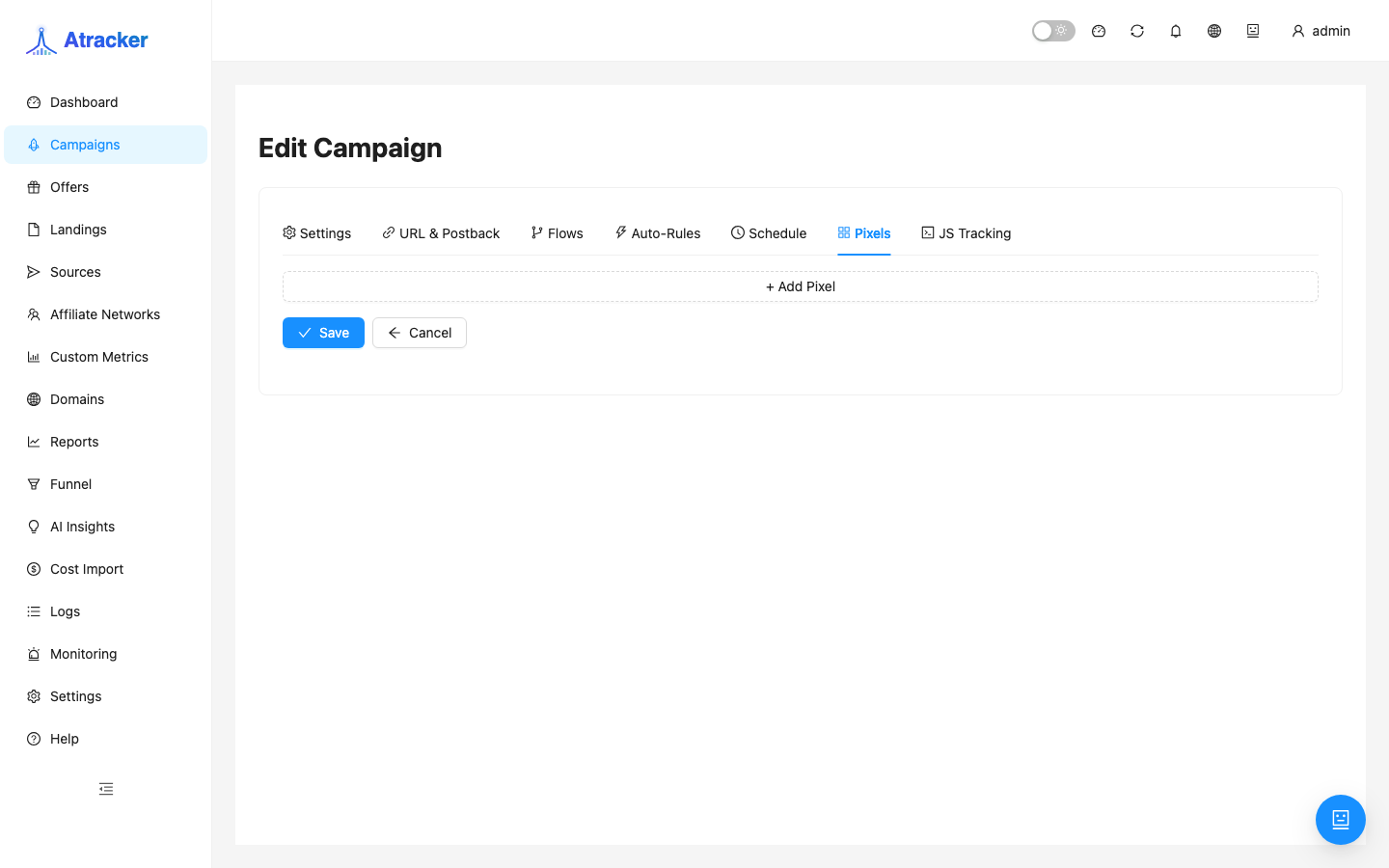
- Campaign → Pixels → Add pixel → type Facebook.
- Set Pixel ID and for CAPI the access token (see UI hints).
- For each tracker conversion status (lead, sale, rejected…) map a Meta event — typically Lead for lead, Purchase for sale.
- Save the campaign. Send a test conversion (matched) after a test click.
Step 4 — Verify in Logs
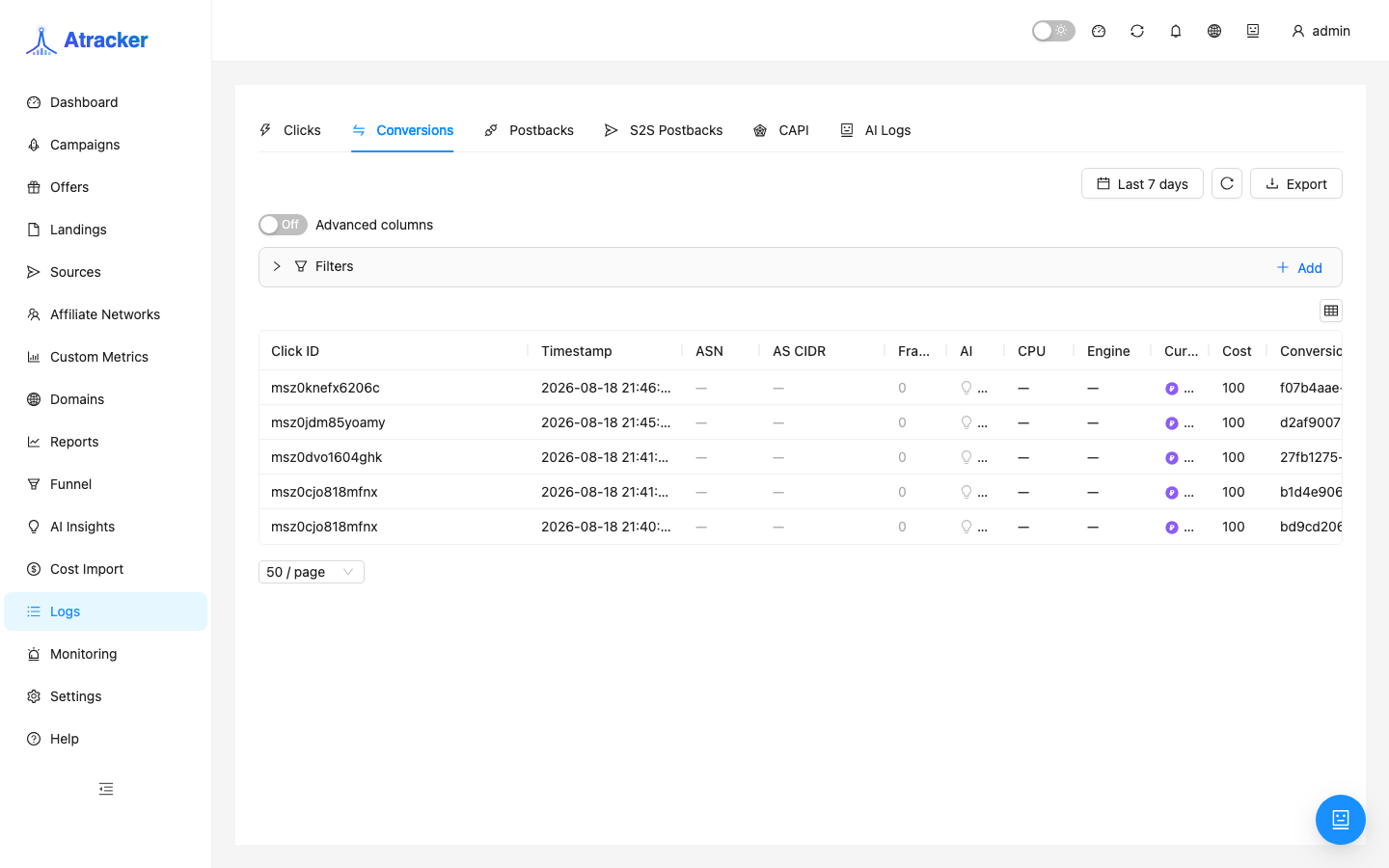
- Logs → Conversions — conversion is matched, not unmatched.
- If CAPI is configured — check S2S / CAPI / Postbacks tabs for the outbound Meta call and response status.
- Only after matched in Logs, check Events Manager / Ads Manager — Dashboard aggregates lag behind raw logs.
Pixels vs outbound postback on source
| Task | Where to configure |
|---|---|
| Events in Events Manager on tracker conversion | Campaign → Pixels (browser pixel / CAPI) |
| S2S into Meta via Traffic Source template | Traffic Source → Postback URL (shared across campaigns on that source) |
| Click on self-hosted landing without redirect URL | Campaign → JS Tracking (not Pixels) |
Typical scenarios
One ad account — many offers. One FB source, different tracker campaigns (alias + flow). Source postback is shared — edit carefully.
New pixel on an existing campaign. Add a pixel on the Pixels tab; do not recreate the source if URL parameters did not change.
Clicks with fbclid but empty utm in reports. Add fbclid as a source parameter or campaign alias; template utm does not replace fbclid automatically.
Common mistakes
- Source not selected on the campaign — URL missing expected parameters.
- Confusing Pixels with JS Tracking — without the landing snippet, tracker clicks are not recorded; pixels do not create tracker clicks.
- Unmatched conversion — pixel/CAPI will not fire meaningfully; fix clickid on offer and network postback first.
- Facebook template on traffic from another network — empty sub_id in Reports.
- Checking Events Manager before a matched conversion appears in Logs.
Related: JS Tracking on your landing, postback debugging, documentation.