JS Bot Detection and Safe Page for moderation workflows
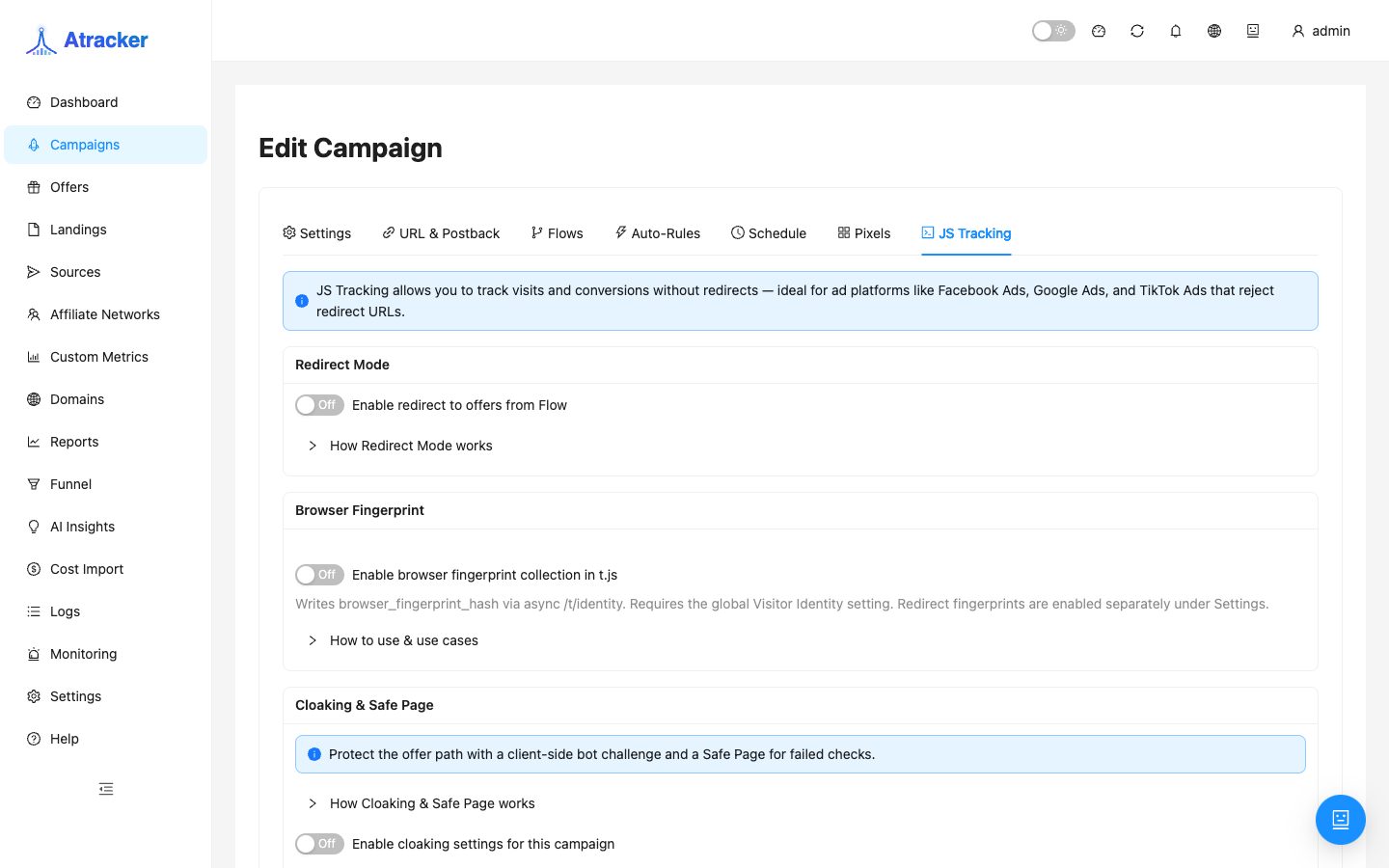
Ad moderation and cabinet reviews often use a “empty” browser: no scroll, no clicks, sometimes datacenter IP. If the money page opens for that traffic, the funnel gets banned. In ATracker the white path is configured on the campaign JS Tracking tab: Cloaking & Safe Page — enable cloaking, JS Bot Detection, and the Safe Page action for failed checks. See bot traffic.
When to use. External landing with t.js snippet (or Redirect Mode ON) when real users should enter the flow and bots/reviewers should hit Safe Page. This does not replace geo filters in flows — set country/device there (see geo split). On EDGE (Exit Node) some actions are unavailable — see Exit Node.
Prerequisites
- Campaign with a working flow (offer/landing) and a Verified tracking domain.
- For snippet funnels — landing on Allowed domains, snippet in
<head>; for redirect — understand Redirect Mode on the same tab. - White content for Safe Page: URL, folder under
safe-pages, or HTTP code — prepare before enabling cloaking. - Tracking on the mother tracker (DIRECT), not EDGE, if you need cloaking curl or browser fingerprint (
t.js).
How to open
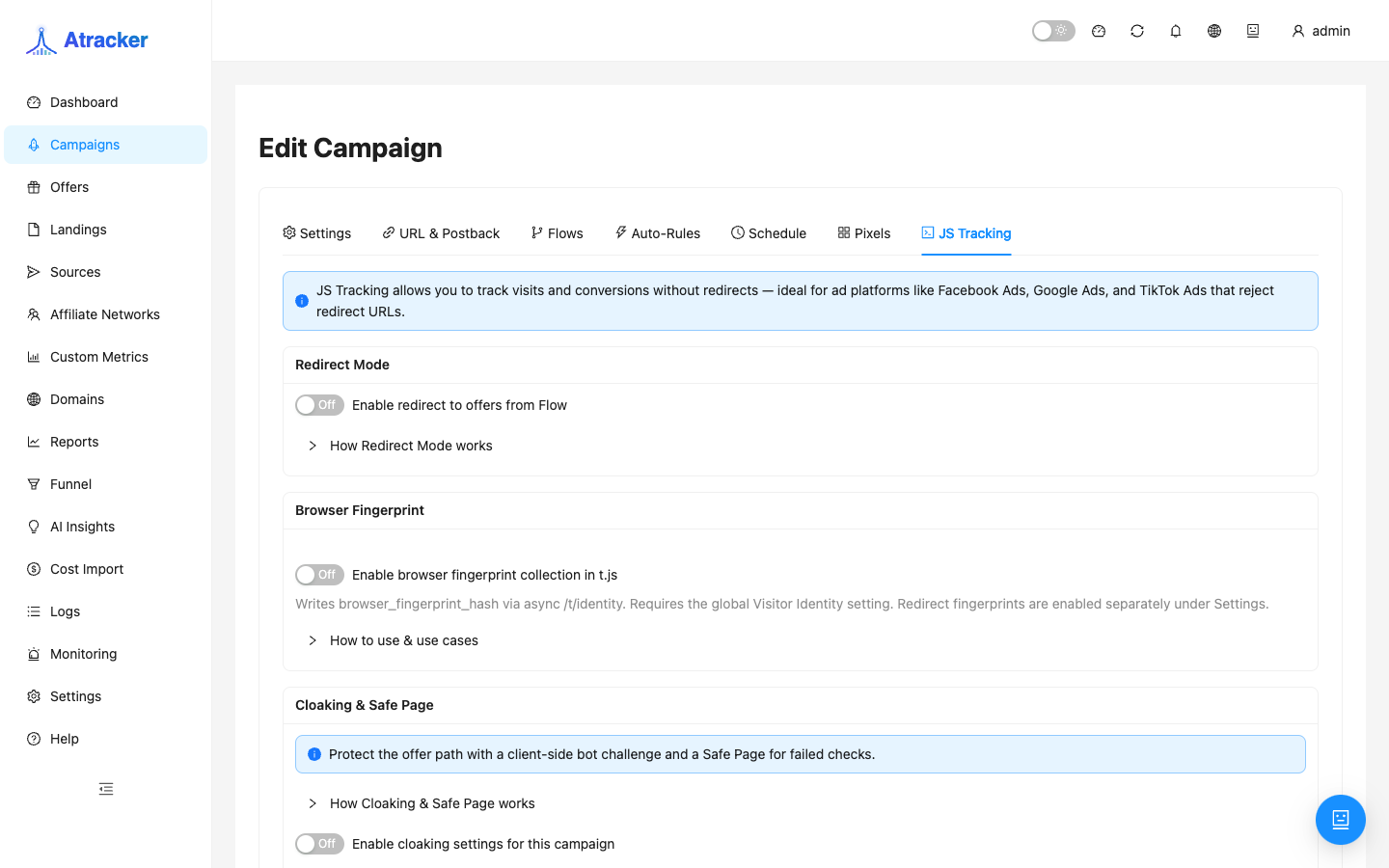
- Campaigns → open the campaign → JS Tracking tab.
- Scroll to the Cloaking & Safe Page card.
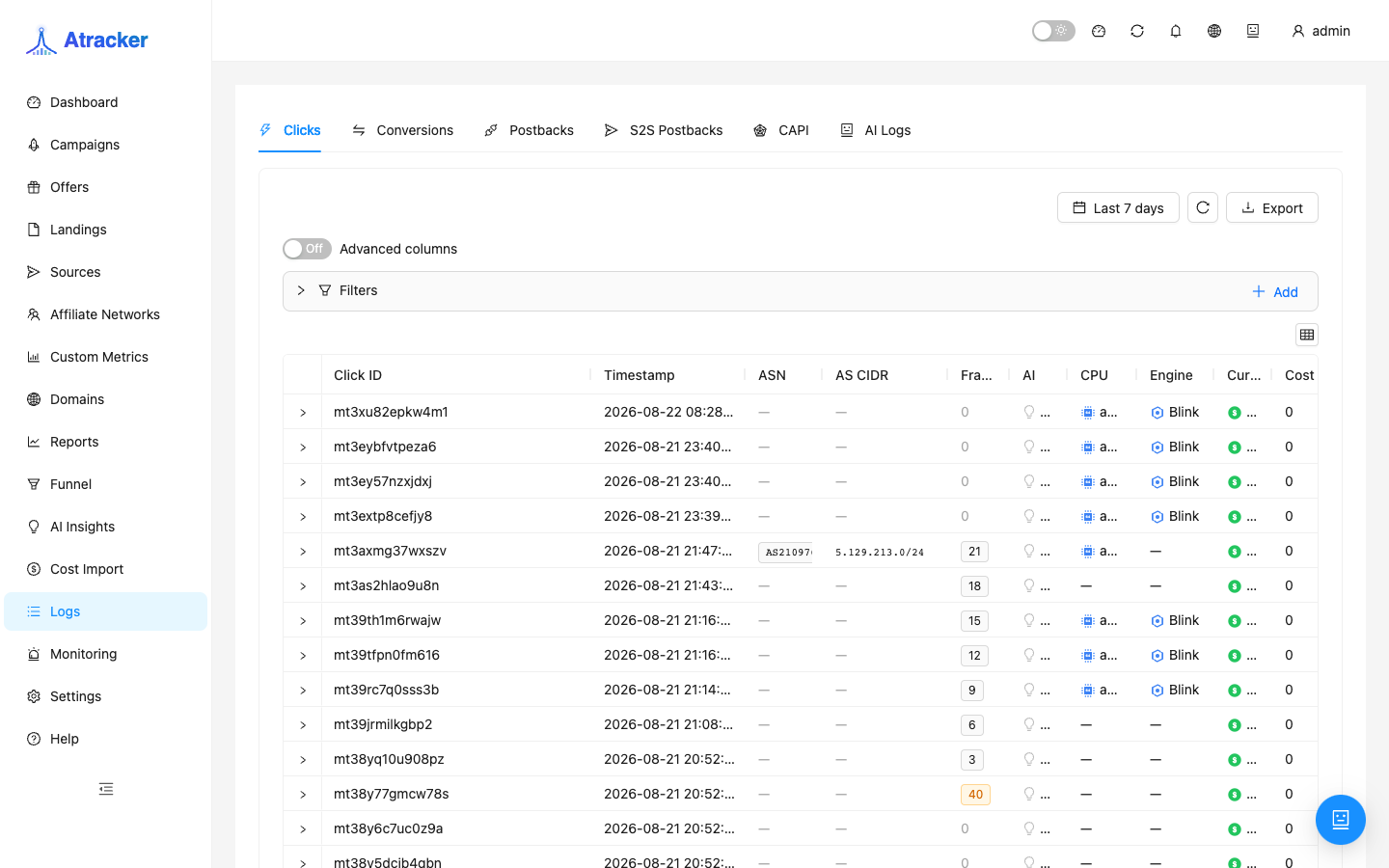
- After save, verify with Simulate (campaign list → Simulate icon) and Logs → Clicks.
Step-by-step setup
- Turn on Enable cloaking settings for this campaign — without it JS Bot and Safe Page are not applied.
- JS Bot Detection → enable Require browser interaction. Set:
- Challenge timeout (500–30000 ms) — how long to wait for browser events.
- Interaction events — e.g.
pointerdown,scroll,touchstart; fewer events = stricter cut. - Timezone mismatch signal (optional) — extra signal when browser timezone mismatches IP geo.
js_bot). - Safe Page — what filtered traffic sees:
- HTTP code — response with a status (often 404/403 for an “empty” page).
- Redirect URL — redirect to a white landing.
- Load and serve HTML (curl) — tracker fetches URL and serves HTML (DIRECT only).
- Local folder — folder under
safe-pageswithindex.html.
<base>or rewrite relative URLs. - Per-domain Safe Page — white/black domains in one campaign: set a separate Safe Page action per hostname (Host) — redirect to white, folder, etc.
- Save. Test: real click with interaction → offer path; bot-like test without events → Safe Page.
EDGE: what does not work
On EDGE (Exit Node) the UI warns: cloaking action curl is unavailable; browser / t.js fingerprint is not used like on DIRECT. If your white relies on curl mirror or snippet fingerprint — keep the campaign in DIRECT mode or rebuild white on redirect/folder/http_code.
Verification
- Simulate — confirm flow selection for a “normal” visit; cloaking does not replace geo filters.
- Landing test: with interaction → flow; without interaction (or bot user-agent) → Safe Page.
- Logs → Clicks — click logged; on failed bot check the visitor should not reach the money offer URL.
- Monitoring does not replace cloaking: HTTP 200 on the offer does not mean reviewers see the money page.
Typical scenarios
- White/black on different domains. One campaign, domain overrides:
white.example.com→ redirect to white landing; tracking domain runs flow with JS Bot. - Local white. Safe Page → folder
compliance-us, load modebase— fast white without external hosting. - Strict bot cut. Timeout 1500 ms, only
pointerdown+touchstart— higher false-positive risk on slow mobile.
Common mistakes
- Cloaking off while only JS Bot is configured — checks are not applied.
- No Safe Page configured — failures may fall back to default HTTP 404.
- Curl Safe Page on EDGE — will not work; use redirect or folder.
- Confusing Safe Page with country filter in flow — reviewers from “wrong” geo still enter flow without a geo rule.
- Broken SSL on white URL — reviewers see a browser error, not your white.