Geo split: multiple flows with country/device filters
Multi-GEO media buying is standard: different payout, moderation, landing, and offer per country. In ATracker you use one campaign with multiple flows and v2 filters on the Flows tab: country, device, OS, browser, and more. One tracking URL in ads — routing inside the tracker, no per-country URLs. See traffic source.
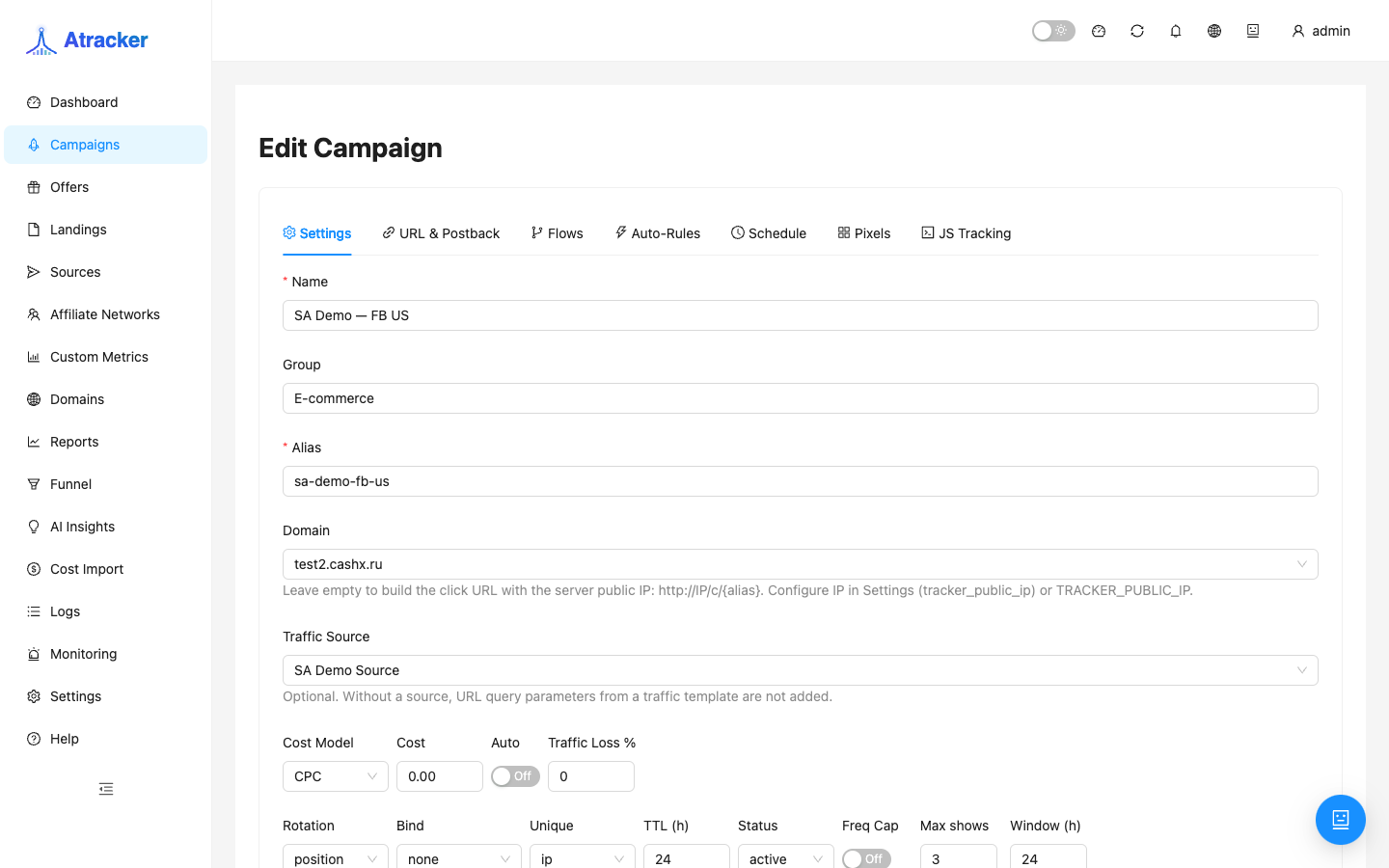
One campaign vs clone. Keep the split in one campaign when source, domain, and sub_id template are shared and only paths differ by geo/device. Clone when you need a different alias/domain, separate cost, Schedule, or cloaking — so stats and URLs do not mix.
Prerequisites
- Offers (and landings if needed) for each GEO exist in Offers / Landings.
- GeoIP on the instance is current (Settings → Geo2IP) — country in filters comes from click enrichment.
- For country presets — optional Geo profiles in Settings; apply a profile in the flow editor in one step.
How to open
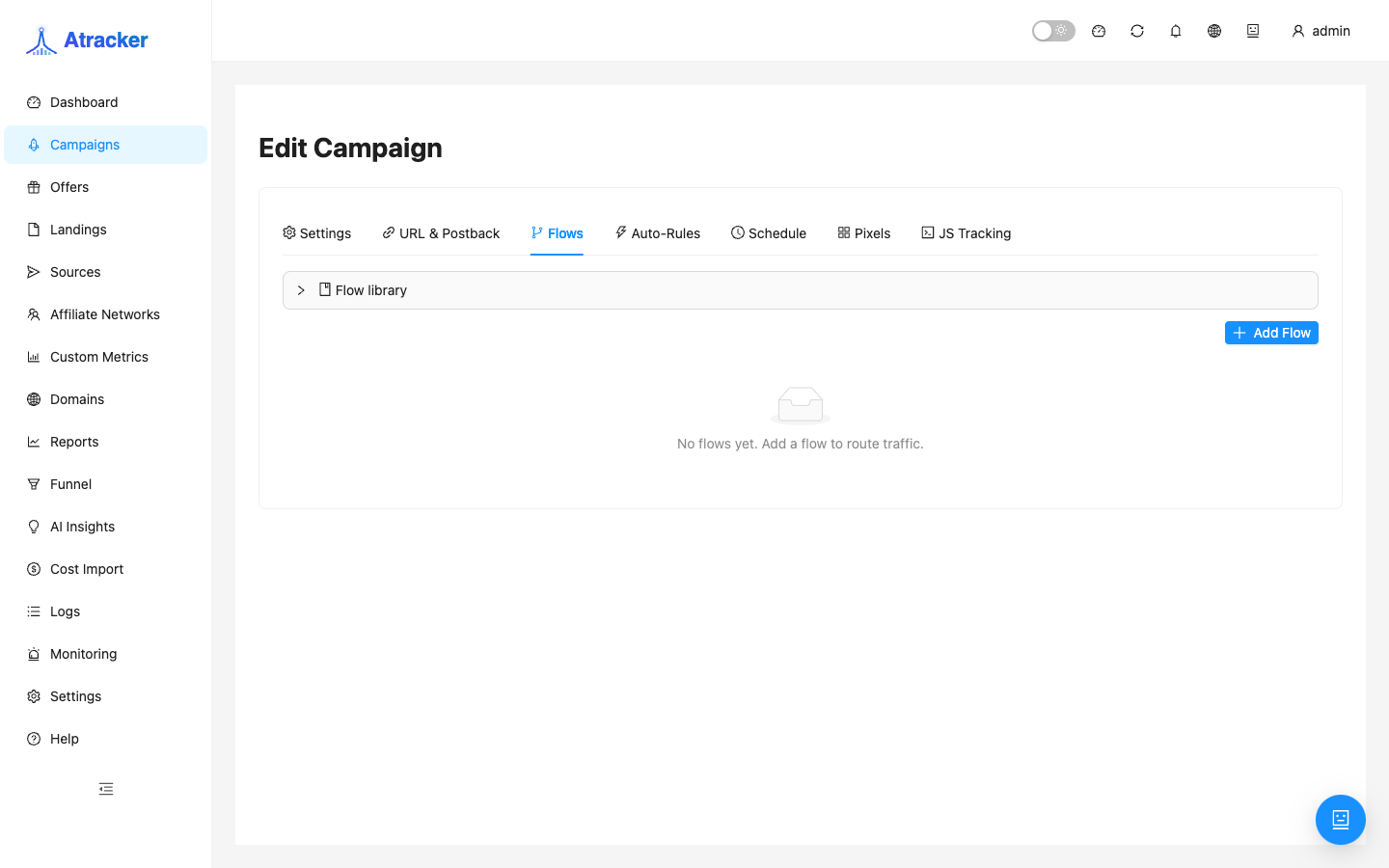
- Campaigns → edit → Flows tab.
- Create or open a flow (path): landing → offer steps, weight, status active.
- In Filters — list / visual / nodes (nodes mode for complex AND/OR).
Building geo split — step by step
- Add the first flow, e.g.
US Tier-1: steps with US offer, weight 100, not a catch-all. - In Filters add Country → operator is → values
US(or a Geo profile). - Add second flow
EU mix: Country filter isDE,FR,IT(or OR between rules — click AND/OR between rows). - Optionally inside a flow: Device is
mobile/desktop— different landings per device in one GEO. - Set weights for A/B within one GEO (two flows with same country, different weights).
- Leave a catch-all flow without a country filter only when you want a fallback; otherwise “stray” geo hits the default offer.
- Save the flow. Repeat for each GEO.
UI hint: AND has higher precedence than OR — example A AND B OR C = (A AND B) OR C. For “US mobile OR US desktop” use two flows or the nodes editor.
Route check — Simulate
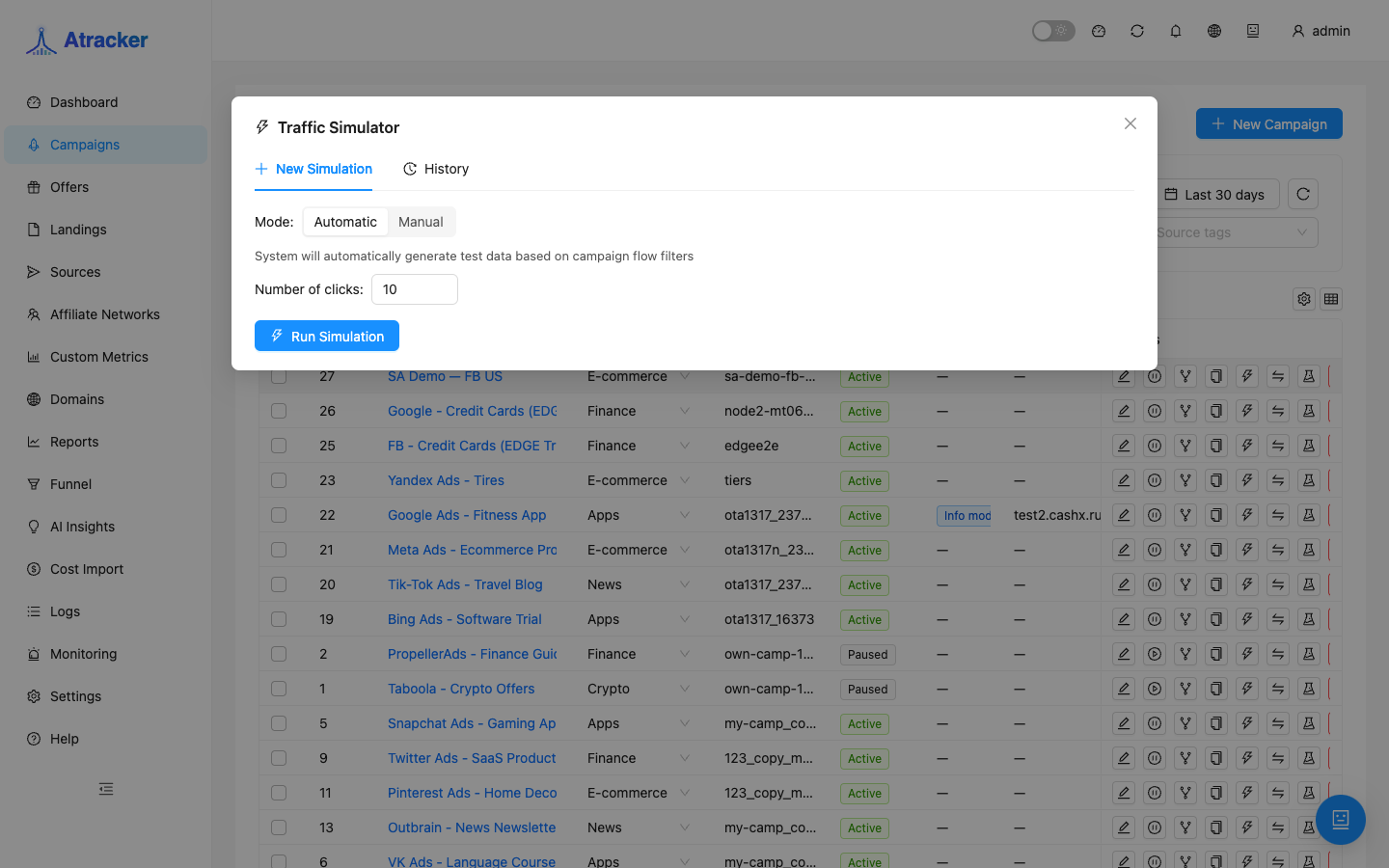
- In Campaigns list → Simulate icon on the campaign row.
- Country tab — enter
US,DE,BR(line by line or list). - Add Device type, Browser, User-Agent when filters depend on device.
- Run simulation: compare expected flow and actual flow; mismatch means wrong rule or path weight.
- For manual checks — VPN/proxy from target geo + test click → Logs (country, flow, offer).
Stats by GEO
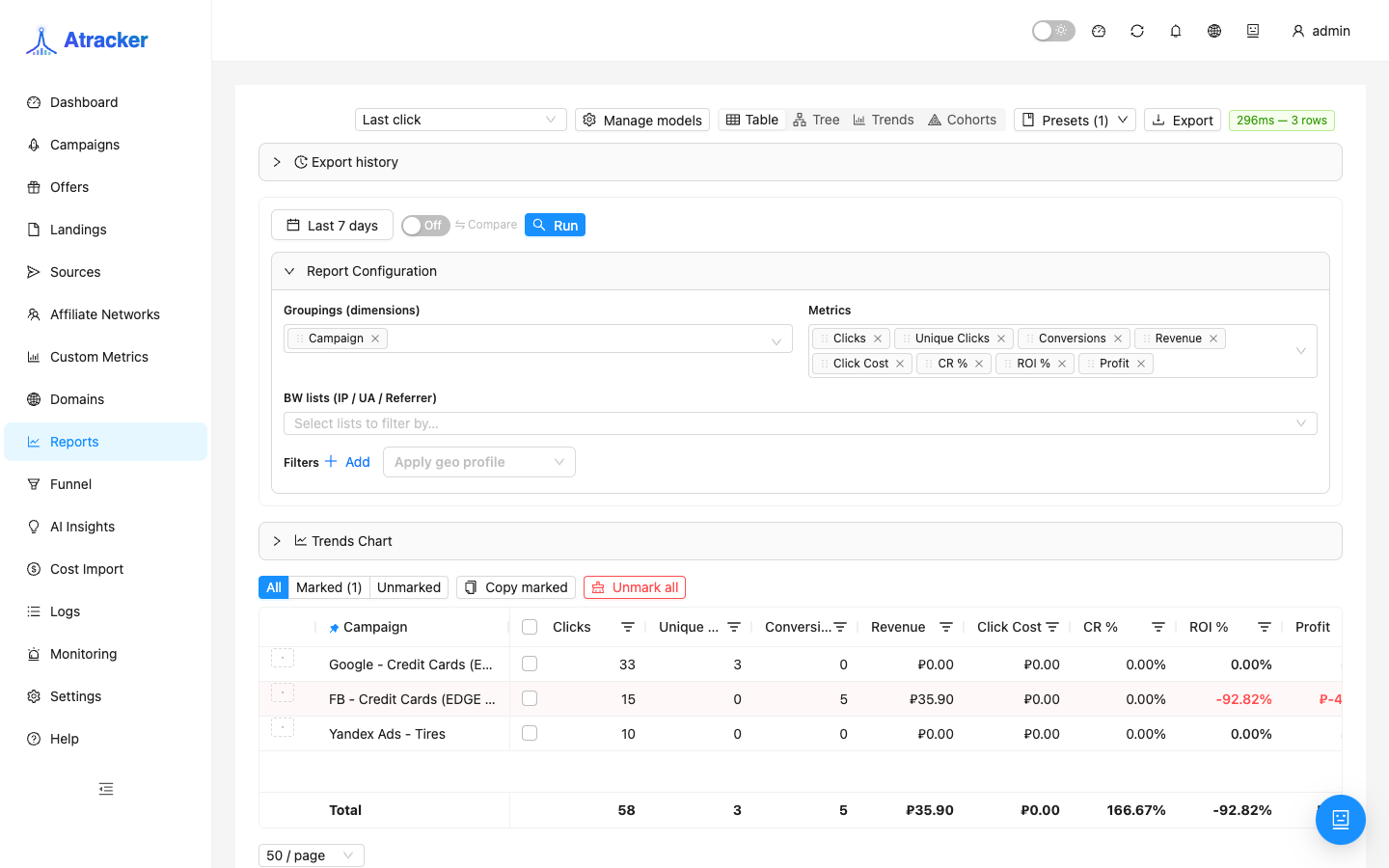
After launch open Reports: group Campaign → Country (and Device if needed). Country with clicks and zero CR often means wrong offer/landing for that geo, not a “broken” filter. Funnel with a country filter helps find drops on landing/offer within one GEO.
Typical scenarios
- US + EU in one FB campaign. Two flows, country filters, one tracking URL — different payout in reports by country.
- Mobile-only GEO. Flow with Country + Device mobile; desktop from that geo goes to catch-all or Safe Page (if cloaking is on).
- A/B landings in US. Two flows, same Country US, weights 50/50, different landing steps.
Common mistakes
- One unfiltered flow eats all GEO — other paths never win.
- Country filter
is_notinstead ofis— unexpected country set. - Testing only from office (RU IP) with US filter — Simulate shows mismatch, US live traffic is fine.
- Cloning campaign per geo with one source — three URLs in the ad cabinet instead of one split.
- Geo profile applied but flow not saved — country rules never shipped in release.