Traffic Sources
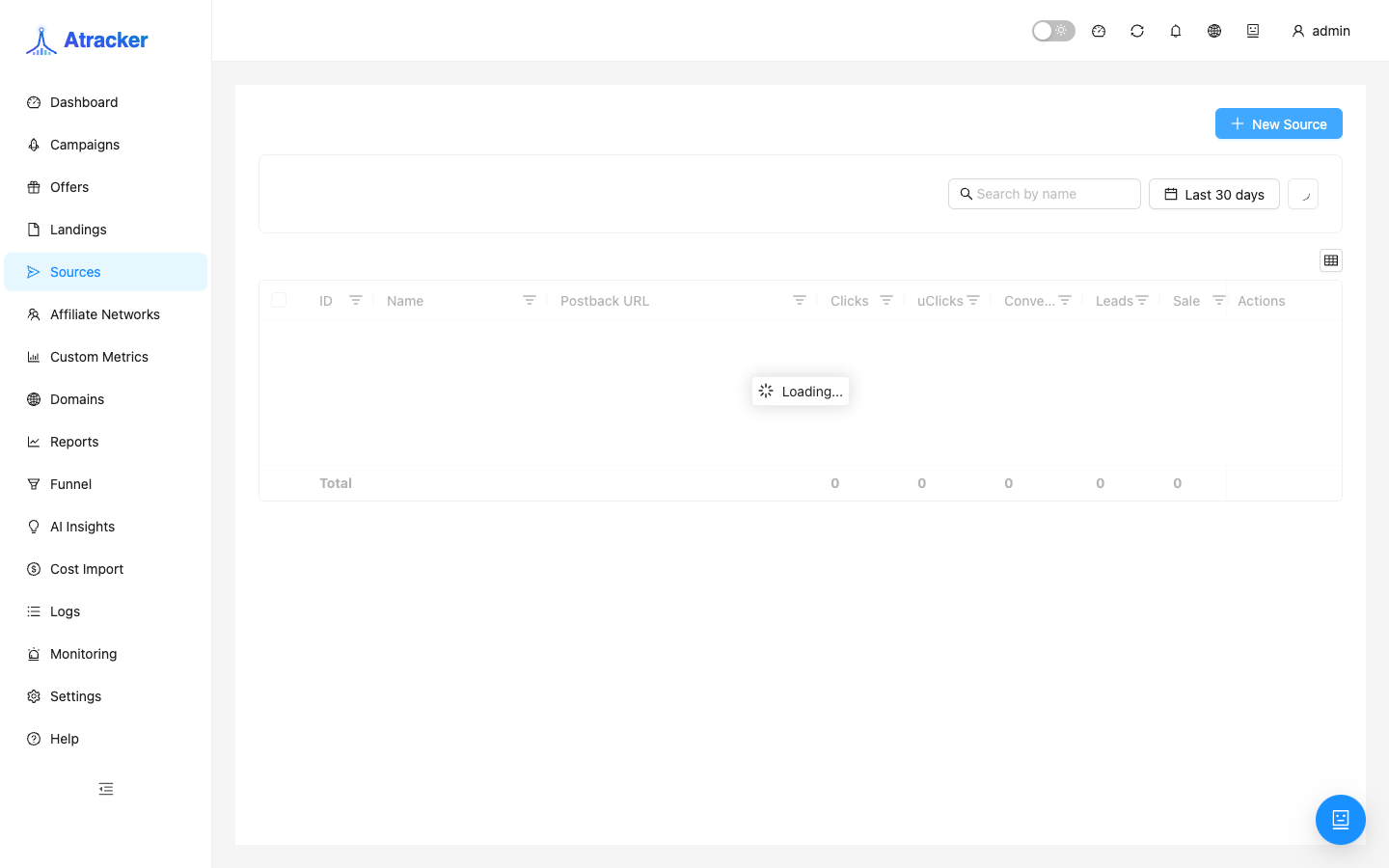
A Traffic Source describes where traffic comes from: which ad query params map into sub_id_*, and which outbound postback to fire back to the ad platform on conversion. The source is bound on the campaign; without it, template macros and S2S into the ad cabinet must be assembled by hand.
Purpose. Create a source (from a template or from scratch), verify parameter mapping on a real ad URL, set a postback URL if needed, and bind the source on the campaign.
Prerequisites
Know which parameters the ad system actually injects into the URL (cabinet docs or tracking-link template). For S2S into the platform you need the postback endpoint from the source cabinet and which token/click id it expects back.
How to open
- Sidebar → Traffic Sources / Sources (
/traffic-sources). - Create / New — source form; after save, select it in the campaign Traffic source field.
Create — step by step
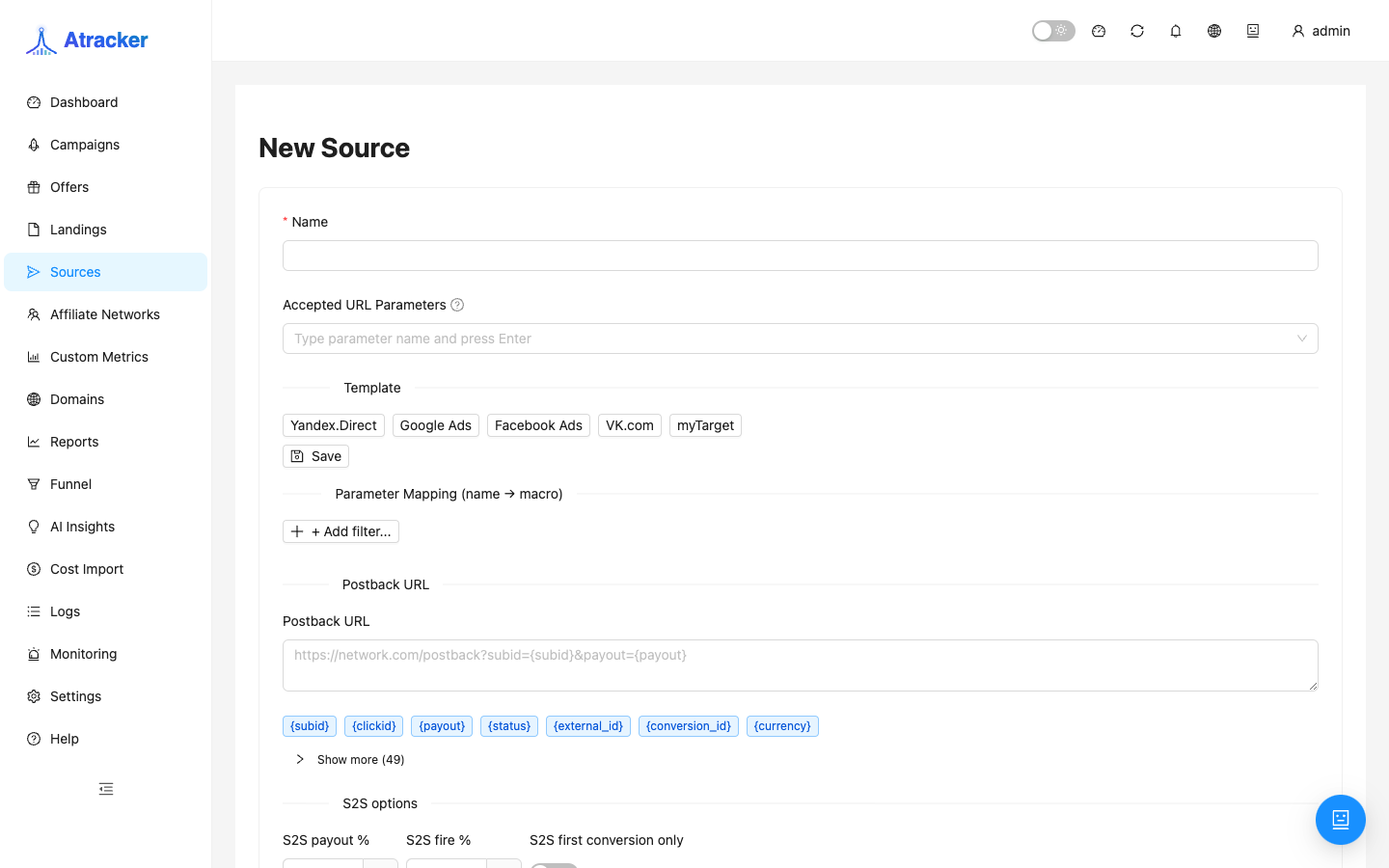
- Set a Name (“Yandex.Direct — search”, “FB — broad”). It appears in campaign filters and reports.
- If a ready template fits, select it to prefill template params. Built-in templates: Yandex.Direct, Google Ads, Facebook Ads, VK.com, myTarget. For other networks, fill parameters manually or save a custom template in the UI when available.
- Review the parameter table: key = name in the tracking URL, value = platform template/token. After an ad click, the needed
sub_id_*values should populate (via the source template and/or campaign Subid Aliases). - If you need S2S into ads, set Postback URL from the source cabinet, using tracker macros (
{clickid},{payout},{status},{sub_id_N}per platform requirements). - Save. Set this Traffic source on the campaign. Test-click with a query like a real ad and confirm sub_id in Logs.
- Send a test conversion and check Logs → S2S / Postbacks that the outbound call left (if a postback URL is set).
Why templates exist and when to edit by hand
Templates save time on typical UTM/tokens for Yandex, Google, Facebook, VK, and myTarget. If the platform sends non-standard names (external_id, cid), add parameter rows manually or use campaign Subid Aliases. Do not reuse a Facebook template on Yandex ads: params will not match and sub_id reports stay empty.
Typical scenarios
New channel with S2S. Template → edit postback URL → campaign → test click → test conversion → verify S2S in Logs.
Many campaigns, one source. One source per channel (e.g. all Facebook); campaigns differ by alias/flow/offer. Edit the source postback carefully — it is shared.
Tagging only, no S2S. Leave Postback URL empty; conversions stay in the tracker and partner network, but the ad cabinet will not get a server-to-server event from this field.
How to connect the source to a campaign and Subid Aliases
The source template defines the expected parameter names on the tracking URL. If ads are already live with different names and changing creatives is expensive — use campaign Settings Subid Aliases to map external keys onto sub_id_1…sub_id_30. First make sure Logs show non-empty sub_id after an ad click; only then configure the outbound postback that sends those values to the cabinet.
The source outbound postback fires when a conversion exists in the tracker. If the conversion is unmatched (no clickid), S2S into ads from this path will not be meaningful either. The chain is always: click with params → matched conversion → outbound postback.
For Yandex.Direct / Google Ads / Facebook Ads / VK.com / myTarget templates, after picking a template open the campaign tracking URL preview and match parameter names to the ad cabinet macros one-to-one. If the cabinet injects {campaign_id} but the source key differs — fix the key or add a campaign alias. Empty sub_id in reports almost always starts here, not “in the database”.
Name sources after the ad account/cabinet, not the offer (“FB — acc2”), so changing offers does not spawn extra sources. Cost Import and campaign filters by source rely on that binding: a cleaner source catalogue makes the morning Dashboard review easier.
Common mistakes
- Source params do not match what the ad actually writes — empty sub_id in Logs.
- Source not selected on the campaign — expecting “auto from template” with no binding.
- Postback URL with the wrong click-id macro — platform rejects the event; check outbound status in Logs.
- Looking for TikTok/Propeller as a built-in template — not in the default set; configure manually.
- Editing a shared source postback “for a test” — breaks S2S for every campaign on that channel.