Offers
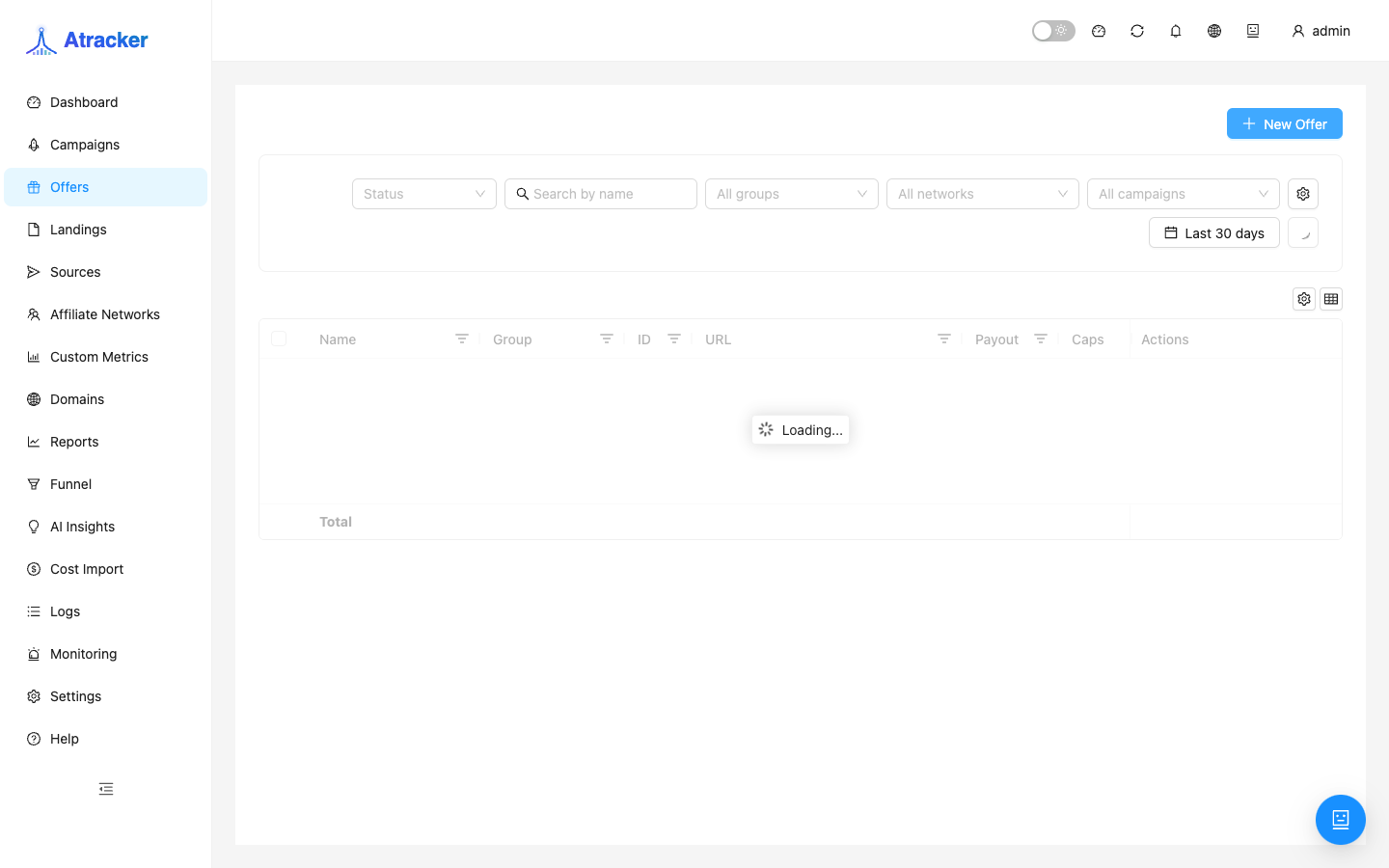
An offer is the destination where a campaign flow sends the visitor after (or instead of) a landing. The offer card sets the URL with macros, redirect type, caps, and payout. Without a working offer, the campaign has nowhere to send traffic even if the tracking URL opens.
Purpose. Wire the partner URL so tracker clicks reach the offer and conversions return via clickid; cap volume when needed; choose what happens when the limit is hit.
Prerequisites
Create an Affiliate Network first and paste the network postback URL into the partner dashboard — otherwise conversions will not return even with a perfect offer URL. The offer URL must include {clickid} (or whatever the network will echo in the postback) the way the partner expects.
How to open
- Sidebar → Offers (
/offers). - New / Create to create; click a row to edit.
- After save, pick the offer in campaign Flows steps — the offers list alone does not accept traffic.
Create and configure — step by step
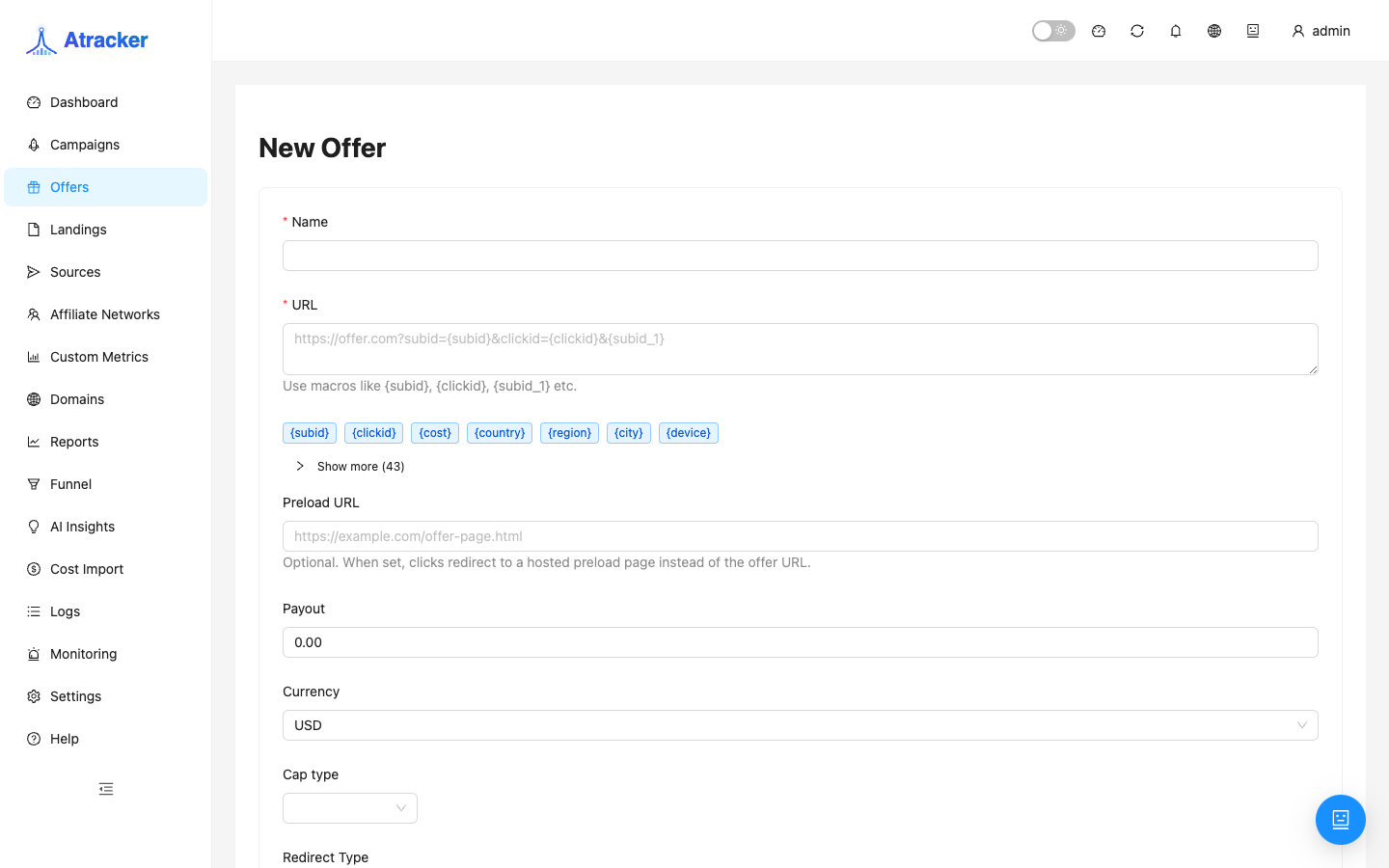
- Set a Name you will recognize in flows and reports (network + product + geo).
- Bind an Affiliate network. The network owns the inbound postback template; an offer without a network makes conversion intake harder.
- Paste the partner URL. Add tracker macros where the network expects click id and sub-params. At minimum, a correct
{clickid}(or the param the network returns in postback). - Choose Redirect type: start with HTTP 302; use meta/JS/double meta/form when you must alter or hide referrer; CURL when the browser must not navigate (unusual for classic CPA).
- Configure Caps if the partner or budget limits clicks/leads. Set the action when the limit is reached (below).
- Set Payout: fixed when you know the rate; dynamic when the amount arrives in the postback. Currency USD / EUR / RUB — keep it aligned with reports and Cost Import.
- Save. Open the campaign → Flows → add an Offer step → test click → verify in Logs.
URL macros — when to use which
Macros expand at redirect time. {clickid} is almost always required for postbacks. {sub_id_1}…{sub_id_30} when the network or your internal accounting needs source/creative labels. Geo and device macros ({country}, {city}, {region}, {device}, {browser}, {os}) when the partner accepts them for optimization. {campaign_id} / {campaign_name} help debugging on the network side. Do not sprinkle macros “just in case”: extra params sometimes break signed partner links.
Caps and limit actions
Click and conversion caps cover a daily or fixed period (as set in the form). When the limit is hit:
- stop — stop serving this offer (traffic on this step no longer hits the URL).
- redirect_offer — send traffic to another offer (set fallback offer id). The fallback must be active and make sense in the same business setup.
- redirect_campaign — send traffic to another campaign (set campaign id) when the spare offer lives in a different flow/accounting.
Before enabling caps, confirm the fallback is selected and not self-referential. After a trigger, watch Monitoring and header Alerts so operators know the limit fired.
Typical scenarios
One offer, many campaigns. One Offers record can be selected in multiple campaigns/flows; edit the URL carefully — the change hits every path that uses it.
Daily lead cap. Conversion cap + redirect_offer to a backup product on the same network so ads are not zeroed.
stop only. When there is no spare offer and stopping is better than sending to a random URL.
Post-save check (required mini-checklist)
- In the campaign Flows, the offer is actually selected and the path is active.
- Open the tracking URL — you should land on the offer URL (or landing, then offer).
- Logs show a click with the expected offer id/name.
- A network test postback with the same clickid → conversion matched; payout appears if dynamic.
- If a cap is on — mentally walk the next visitor under stop / redirect_offer / redirect_campaign.
When changing an offer URL on a live campaign, verify the new link in Simulate or a private window first, then save. One Offers record can sit in several flows — a URL edit hits all of them.
Common mistakes
- Missing
{clickid}(or the network expects another name without postback mapping) — unmatched conversions in Logs. - Offer created but not added to Flows — ads run, no offer hits.
- redirect_offer to a deleted/paused offer — a hole after the cap.
- CURL chosen by mistake for normal CPA — the user never sees the partner page.
- Fixed payout on a dynamic network — ROI lies; dynamic with no payout in postback — zero revenue.
- Network changed on the offer without updating the cabinet postback — clicks continue, conversions stop.