Monitoring
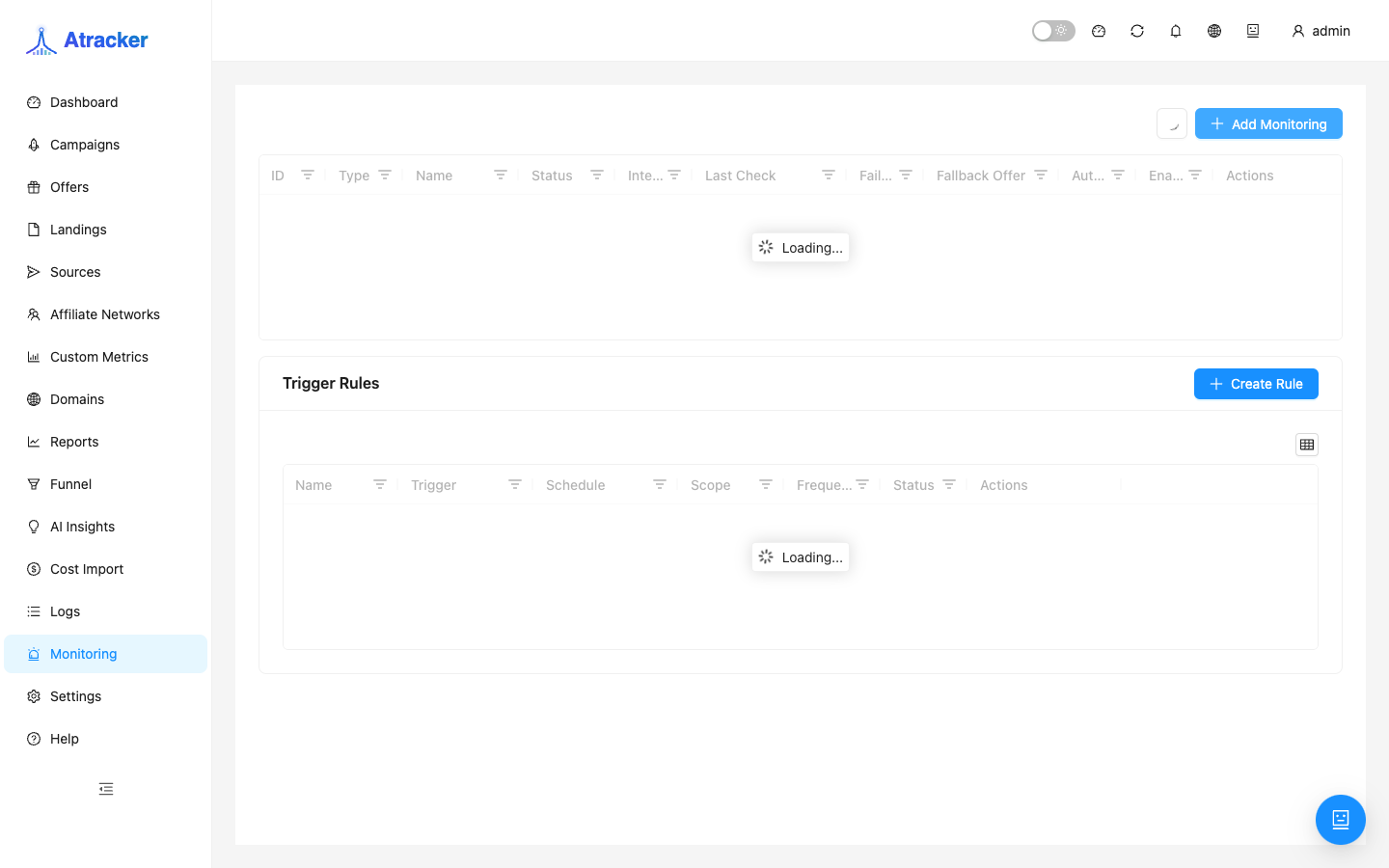
Monitoring (/monitoring) checks offer and flow availability on a schedule. When a URL goes down you can auto-switch to a fallback offer; alerts appear in the app header. It covers the operational risk of an offer dying overnight while traffic keeps flowing — something Reports only notices later via a CR drop.
Purpose
An offer or landing can die without any campaign edit in the tracker. Monitoring periodically hits the URL and records ok / down / timeout. It is operational uptime control, not a Reports replacement.
Prerequisites
- Offer/flow already exist; for auto-switch — a backup offer in the flow.
- Monitoring permission.
- The tracker network must reach the URL (consider Settings → Proxy if needed).
How to open
- Sidebar → Monitoring (
/monitoring). - A short overview also exists in the campaign flow monitoring panel.
Create a target
- Create a target for an offer or flow — pick what must stay reachable.
- Interval — minutes between checks. Critical CPA offers more often; others less often to reduce alert noise.
- Timeout — response wait in ms. Heavy landings need a higher timeout or you get false downs.
- Failure threshold — consecutive failures before marking down. 1 is sensitive to brief DNS blips; non-critical targets often use 2–3.
- Optionally Auto-switch to fallback offer — prepare a backup offer in the flow first.
- Save. Use Check now when you do not want to wait for the interval.
Alerts and incident flow
- Header Alerts shows downs and fallback suggestions.
- Open the Monitoring list — target status (ok / down / timeout) and check history.
- Confirm or dismiss fallback switching. Do not leave critical offers without a target.
- Check Campaigns → Flows for the active offer after a switch.
- In Logs confirm traffic did not take an unexpected branch.
- After the URL recovers, wait for a streak of ok (Check now / history) before removing fallback — otherwise routing can flip back and forth.
Link to campaigns and Funnel
Monitoring does not rewrite the tracking URL by itself: it watches a target and, with auto-switch, moves routing to a backup offer inside the flow. If Funnel path drops at offer and Monitoring is already down, fix availability before CR. For multiple offer mirrors use separate targets or a fallback chain in the flow. Incident order: header Alerts → Monitoring list → Campaigns → Flows → Logs.
If the offer returns 200 but the landing form is broken, Monitoring stays ok — use Funnel and test conversions in Logs. Cloaking/geo filters may serve different content to the tracker check IP vs real traffic; add a manual test from the target geo. Consider Settings → Proxy so the tracker network can reach the URL. Do not treat Monitoring as the only quality control — Fraud Score and Suspicious in Logs cover a different class of problems.
Typical scenarios
- Critical CPA offer: short interval, sensible timeout, failure threshold 2+, fallback prepared, do not ignore Alerts.
- Overnight maintenance window: increase interval or pause the target temporarily.
- Multiple mirrors: separate targets with clear names so the alert points to the right URL.
Target fields in context
Interval sets poll frequency: shorter means faster down detection and more noise on unstable networks. Timeout is how long to wait; too low on a heavy landing marks a live offer down. Failure threshold smooths one-off blips. Auto-switch only helps if a backup offer already exists in the flow and someone owns header Alerts. Name targets clearly (offer + mirror) so an alert does not require guessing the URL.
Weekly hygiene
- Walk the target list: any downs left without a write-up.
- For critical offers — Check now and compare with Funnel path for the same day.
- Pause or remove targets for offers out of rotation.
- After an auto-switch incident, mark the date so Reports trends stay explainable.
Troubleshooting and mistakes
- False down — timeout too low or failure threshold = 1 on a noisy network.
- Auto-switch without a configured fallback — nowhere to switch; add a backup offer first.
- Checking the URL from another network and blaming Monitoring — consider tracker path and proxy.
- Ignored alert — target may stay down until Check now or URL recovery.
- HTTP 200 with a broken form — not Monitoring's job; Funnel + Logs.
- Removing fallback immediately after URL recovery — traffic flips; wait for a streak of ok.