Landing Pages
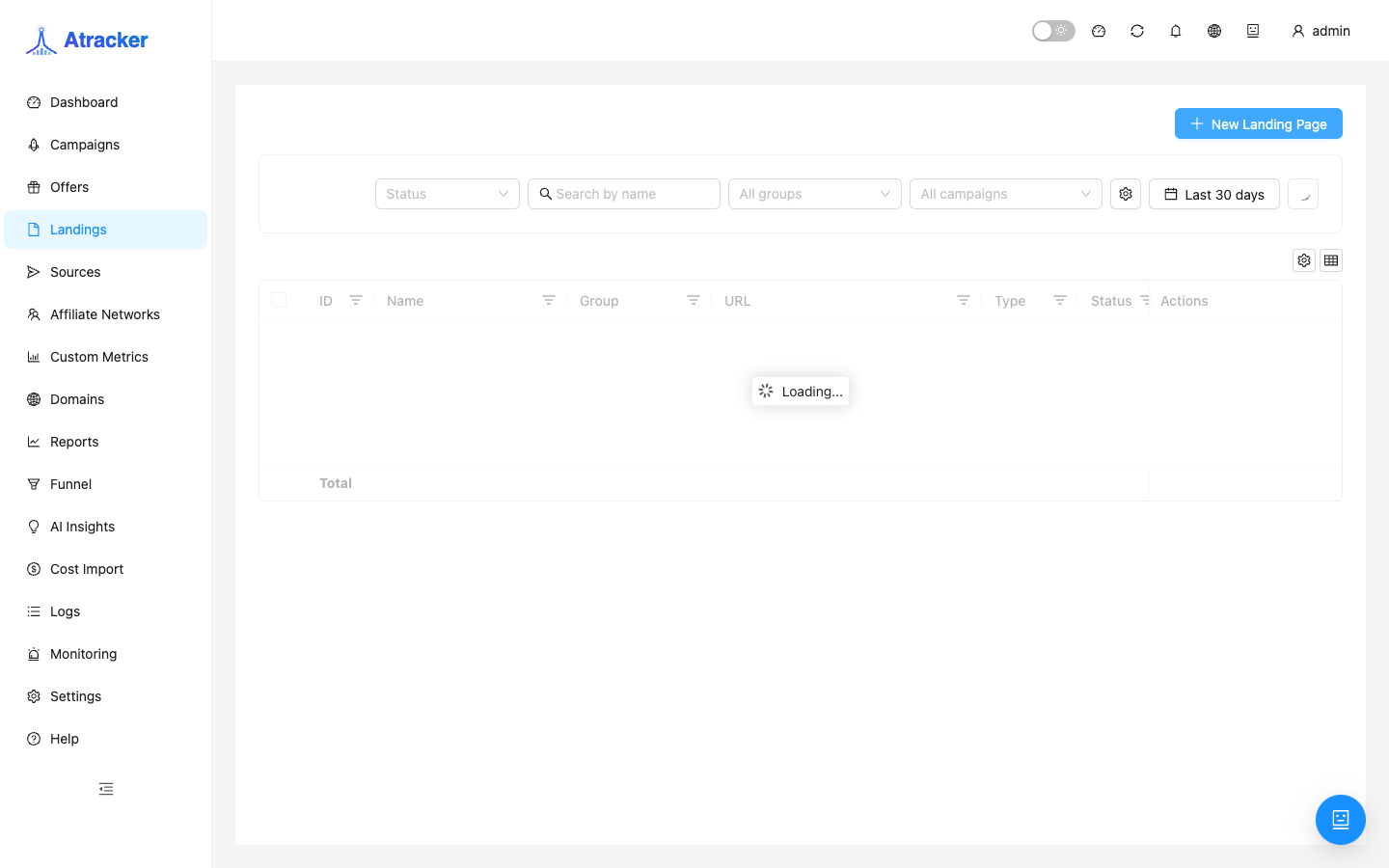
Landing Pages are prelanders and landings placed as a campaign flow step before the offer (or instead of a bare external redirect). Use this section when you A/B several prelanders, host HTML on the tracker, or serve content/actions without jumping straight to an external URL.
Purpose. Create a landing with a clear name and action type, upload content when needed, then select it in Flows with a weight for A/B.
Prerequisites
External redirect only needs a URL. Show content needs uploaded HTML (ZIP or editor). The AI generator needs keys under Settings → AI API keys. A landing alone does not accept ad traffic — only via a campaign flow (or JS Tracking on the HTML).
How to open
- Sidebar → Landing Pages / Landings (
/landing-pages). - Create a record → save → in the campaign Flows tab add a Landing step with the desired weight.
Create — step by step
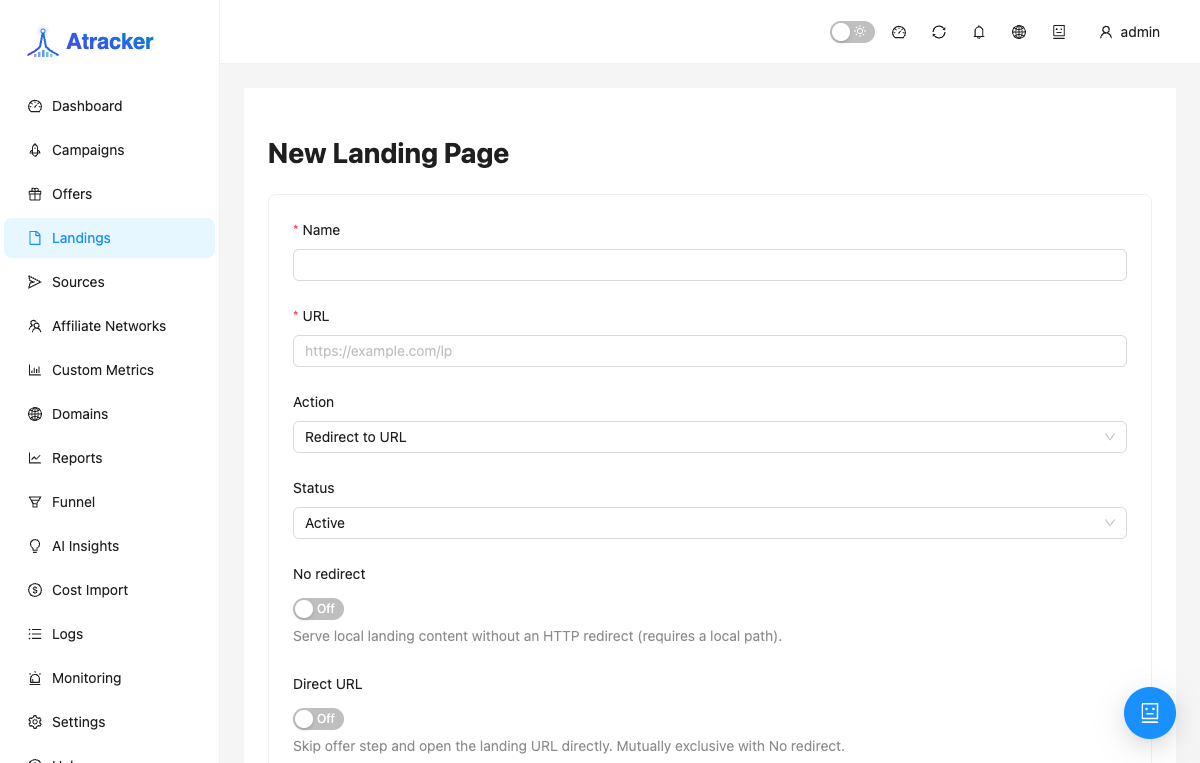
- Set a clear Name (“quiz-green-v2”) so variants stay distinct in flows and reports.
- For an externally hosted landing, set URL with macros if needed (same idea as offers). For tracker-hosted content, an external host URL may be unnecessary.
- Pick Action type for your scenario (next block) and fill related fields (preload URL, upload, custom action config).
- For tracker hosting: upload a ZIP of HTML/assets or edit in the built-in editor. Enable Clean URLs when you want tidy paths without raw file structure.
- Save. Open the campaign → Flows → add Landing → then Offer. Test-click and confirm in Logs that the path went through the landing.
Action types — when to use which
Redirect. The visitor sees/passes the landing and continues per flow rules (typical prelander with a button/auto-go to the offer). Use this for external prelanders and classic setups.
Show content (upload). HTML is served/proxied through the tracker from uploaded content. Use when files should live on the tracker, not a separate host. Without upload/local content the type will not behave as expected.
Preload. Content preload mode as shown in the UI: use when the page/resources should be fetched ahead via the preload URL in your chosen display scheme. Fill the form’s preload fields; do not leave them empty.
Custom action. Custom behaviour via action_config when Redirect/Show content/Preload are not enough. Configure only if you understand your instance/template contract; most arbitrage setups need Redirect or Show content.
A/B in flows
Add two or more Landings in one path/rotation with different weights. The tracker splits traffic and accumulates stats per variant. Change one factor at a time. After you pick a winner, lower losing weights or remove them from the flow without deleting the entity immediately — report history stays.
Typical scenarios
External prelander. Action = Redirect, prelander URL; the CTA continues to the offer via flow (or JS Tracking if ads hit the landing directly).
HTML on the tracker. Action = Show content, ZIP upload, optional Clean URLs, then a Flows step.
Offer only, no prelander. Skip Landing Pages — put Offer directly in Flows.
How to verify the landing is really in the path
- In Flows, the Landing step sits before Offer (for a prelander) and weights add up sensibly.
- Test click: the browser shows the prelander; Logs attach the click to the landing when the UI exposes that entity.
- For Show content, open the response from the tracking domain — CSS/JS from the ZIP must load without 404s.
- For Redirect to an external URL, confirm macros did not break the landing query string.
- If ads hit HTML on your host directly — install the campaign JS Tracking snippet, or the tracker will not see the visit.
Groups and names help in reports: do not call every variant “landing1”. When retiring a losing A/B variant, remove it from the flow first, wait for the stats day to close, then decide whether the list entity is still needed.
Redirect and Show content cover most cases. Use Preload when the form clearly needs a preload URL and the display scheme depends on prefetch. Custom action is for non-standard integrations; if you are unsure about action_config, start with Redirect and put the custom setup on a separate test landing instead of breaking a live path.
ZIP content needs an entry point (usually index.html) and relative CSS/JS paths. Absolute third-party CDN links are fine, but CDN availability becomes part of your uptime. After upload, open the prelander through the campaign, not only a file preview — that exercises the same path traffic will hit.
Common mistakes
- Landing created but not added to Flows — ads “have a prelander” in name only.
- Show content without ZIP/editor — empty or broken output.
- Preload/Custom action with empty required fields — save succeeds, behaviour is empty.
- AI generator without API keys in Settings — generation never starts.
- Direct ad hits without JS Tracking on HTML — no campaign clicks.
- Two landings at weight 0 or one at 100% while calling it “A/B” — there is no real test.