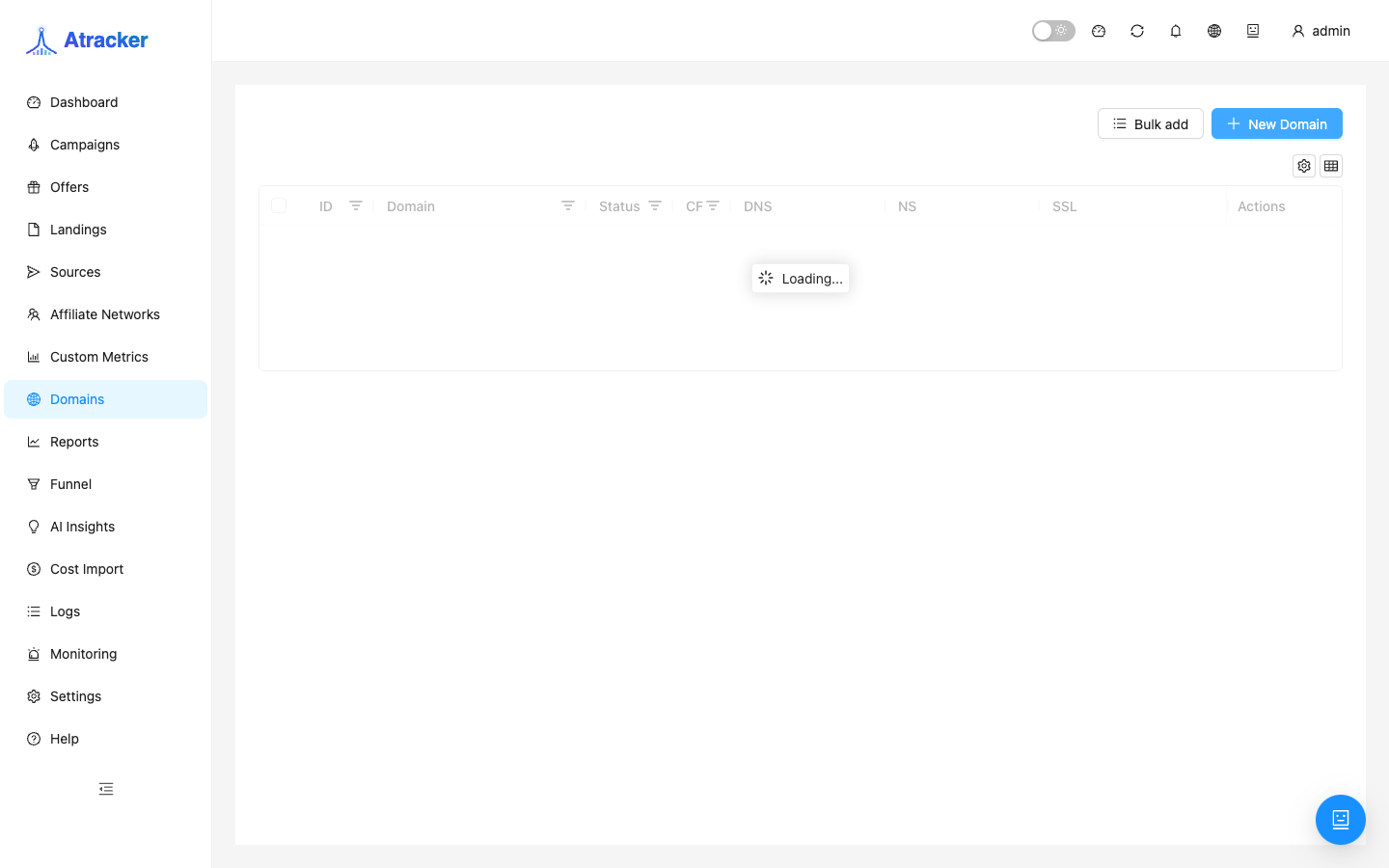
Domains
Domains manages tracking domains that host campaign URLs and the JS snippet (/t/t.js). Until DNS is Verified and SSL is active, do not put the link into ads: users will hit certificate errors or the domain will not resolve.
Purpose. Add a domain, point DNS at the registrar, wait for verification, issue SSL, optionally set an index campaign on /, then select the domain on campaigns.
Prerequisites
A domain (or subdomain) you control. Access to the registrar/Cloudflare DNS panel. Tracker IP or CNAME — as shown in the UI when adding (do not guess: use the value from the instance form/hint). The admin SPA may live on another host — the tracking domain does not have to match the login URL.
How to open
- Sidebar → Domains (
/domains). - Add / Create — enter the domain name and follow DNS/SSL hints.
Add — step by step
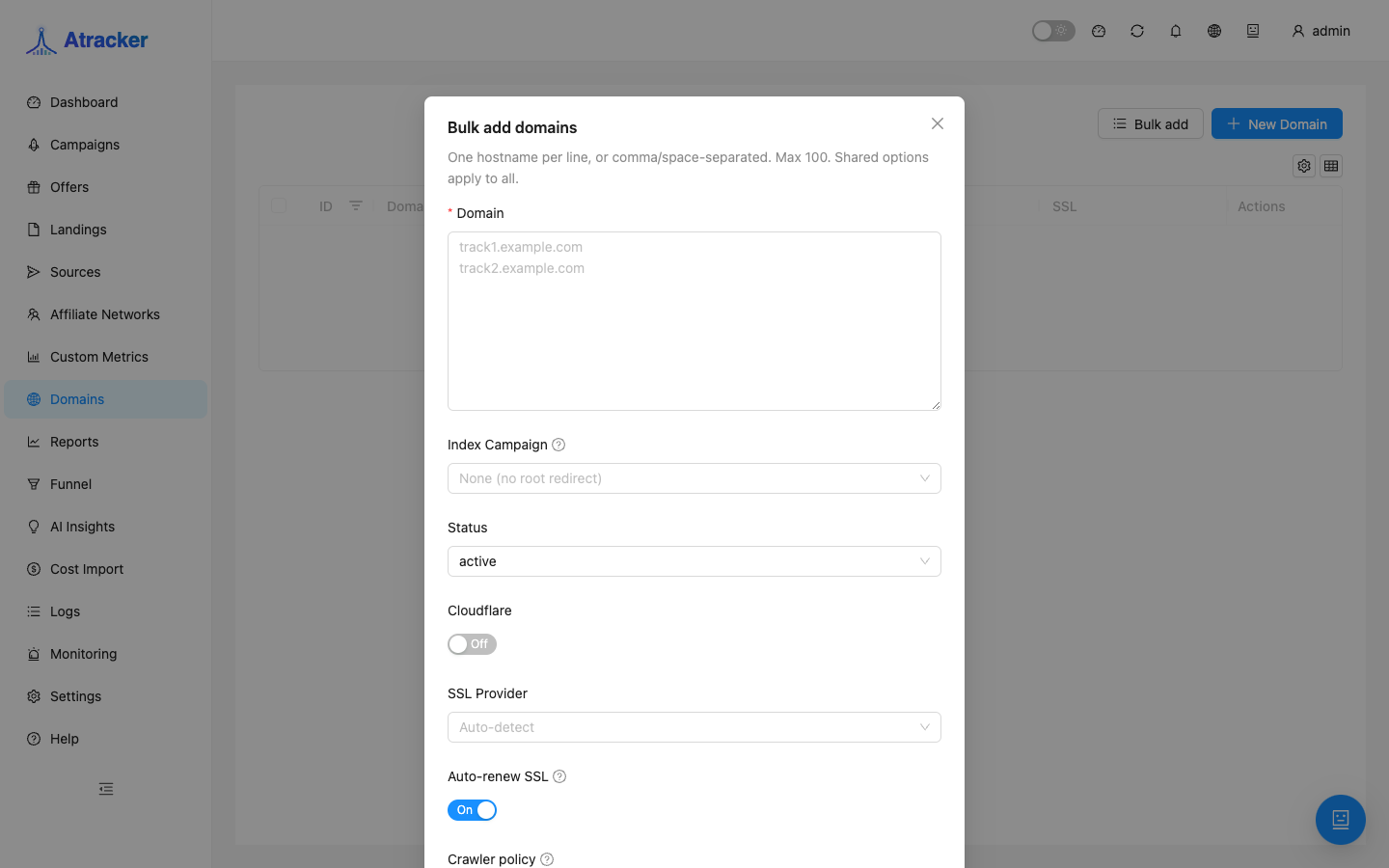
- Add the domain to the list (e.g.
trk.example.com). - At the registrar create an A or CNAME exactly as the UI requires (host + value). Wrong host (
wwwvs apex) is a common Fail cause. - Wait for the DNS tag: Not checked → after the check Verified or Fail. On Fail, recheck records and TTL; do not send ads to Fail/Not checked.
- Choose SSL type and wait for an active certificate (below).
- Optionally set Index campaign — traffic to
https://domain/without an alias. Alias campaigns on the same domain keep working in parallel. - On the campaign pick this Domain and copy the URL / JS snippet from it.
DNS tags in the UI
- Verified — records check passed; you can issue/use SSL and send traffic.
- Fail — records mismatch or the domain is unreachable as the check expects; fix DNS and recheck.
- Not checked — check has not run or finished; wait or trigger a check from the UI if a button exists.
SSL — which type when
Let's Encrypt — automatic issue and renewal when the domain is directly reachable from the tracker server. Cloudflare — when the domain is proxied through Cloudflare (orange cloud) and you intentionally use the CF scheme. Manual — upload your own cert + key (corporate/wildcard cases). The tracker warns about expiry — do not ignore alerts: expired SSL breaks both redirects and /t/t.js.
Typical scenarios
First instance launch. Domains → Verified + SSL → only then Campaigns. This is step one in the overview recommended order.
Separate domain per source. New subdomain → its own campaigns; if one domain is banned, other setups stay intact.
Index on root. Index campaign for a short link without alias; normal campaigns stay on /alias.
Checklist before sending ads
- In the Domains list, DNS tag = Verified.
- SSL is active: open
https://your-track-domain/with no browser warning. - Create/select a campaign on this domain, copy the URL, open it in a private window — the flow should run.
- For JS Tracking open
https://your-track-domain/t/t.js(or your Track Paths alias) — the script should return, not an HTML error page. - Only then paste the URL/domain into the ad cabinet.
If you change DNS on a domain already in ads, lower TTL ahead of time, then switch records and wait for Verified. Keep a spare tracking domain on critical campaigns when domain bans/blocks are a realistic risk.
Changing the domain on an existing campaign invalidates every copied URL and snippet src. Treat migration as an ad-link replacement: new domain → Verified + SSL → update Domain on the campaign → new URLs in every cabinet → watch clicks in Logs. Do not delete the old domain immediately — keep it while old ads burn down.
For JS Tracking and pixels, the domain in src must match what users actually resolve. If ads use one host and the snippet was copied from another — clicks split across entities or fail Allowed domains checks.
Common mistakes
- Ads live while DNS is Fail / Not checked or SSL is missing — mass browser errors.
- Let's Encrypt behind Cloudflare proxy without the matching scheme — certificate issue fails; align SSL type with how the domain actually resolves.
- DNS changed but old TTL cache remains — status stays Fail; wait or check via an external DNS lookup.
- Mixing admin domain and tracking domain — the JS snippet must load from the campaign tracking domain.
- Index campaign set by accident — the root URL starts sending traffic elsewhere; check who owns index.