Cost Import
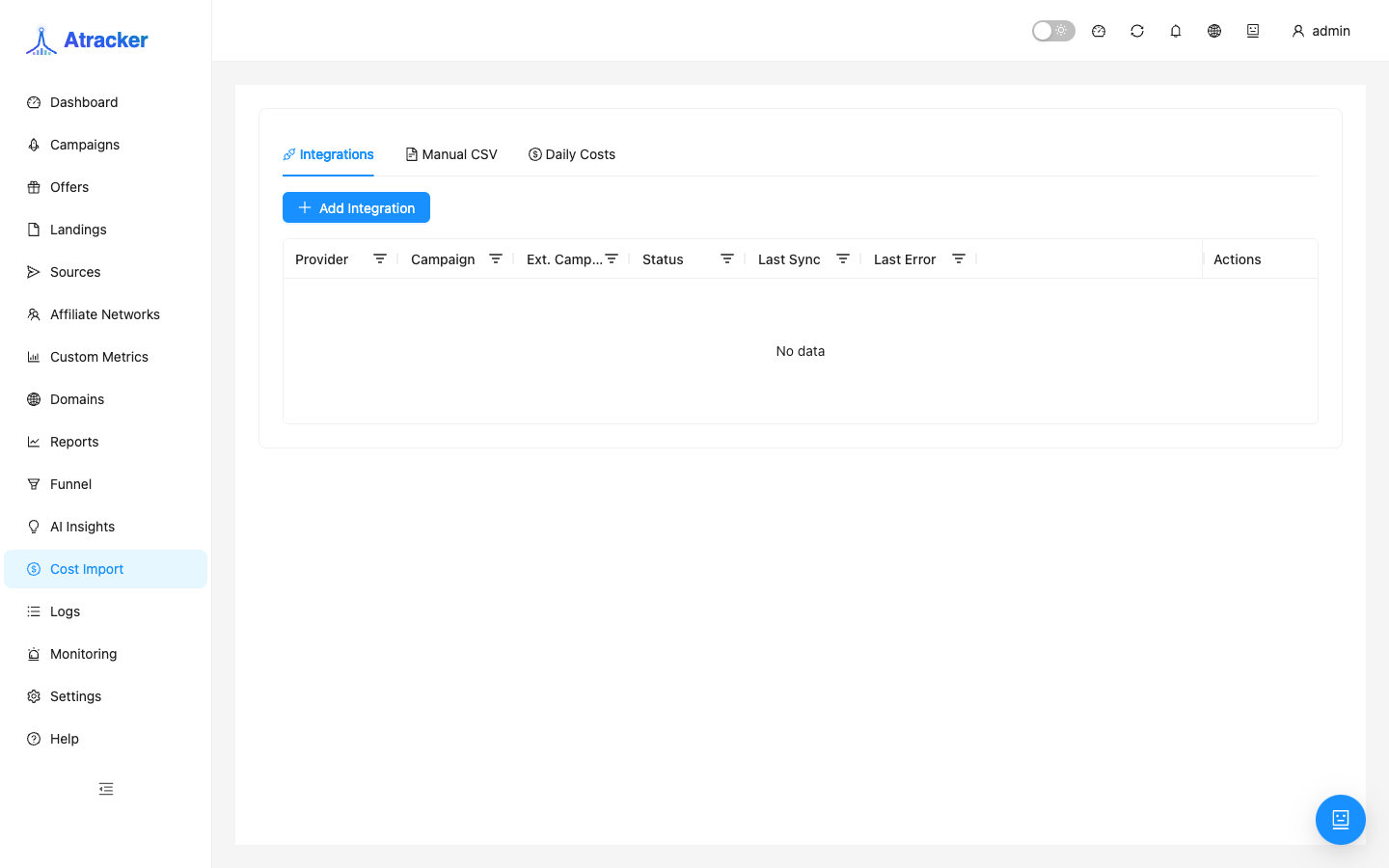
Cost Import (/cost-import) pulls ad spend into the tracker so cost, profit, and ROI on the Dashboard and in Reports reflect real spend. Without it, ROI often relies only on a manual campaign cost model or looks unrealistically good.
Purpose
Traffic sources rarely push spend into the tracker automatically. Cost Import links Facebook, Google Ads, TikTok, Yandex.Direct, VK Ads, and myTarget accounts to ATracker campaigns (or accepts CSV) and writes daily cost.
Prerequisites
- ATracker campaigns already exist — cost import attaches to them.
- Access to ad-account tokens/credentials (not universal one-click OAuth for every provider).
- Knowing the external campaign id in the ads cabinet.
How to open
- Sidebar → Cost Import.
- Path:
/cost-import.
Providers and credentials
- Facebook — access token (Graph API Explorer or System User) + ad account id.
- Google Ads — developer token, OAuth client, refresh token, customer id (optional login customer id).
- TikTok — Business access token + advertiser id.
- Yandex.Direct, VK Ads, myTarget — tokens/keys for those cabinets.
Each provider has in-UI setup help. You usually paste tokens manually and save the integration.
Auto workflow
- Create an integration: pick provider, fill required credentials using the in-UI hints.
- Save. Save failures are usually a bad/expired token or wrong ad account / customer / advertiser id — fix before mapping campaigns.
- Map the cabinet external campaign id to an ATracker campaign. Take the id from the ads UI URL/column, not the campaign name.
- Run sync for the needed dates (start with one day to verify).
- Open Daily Costs — spend rows by day linked to campaign and provider.
- On mismatch, edit/delete daily rows, fix id mapping, sync again.
- Verify cost / profit / ROI on Dashboard and Reports for the same dates and campaign.
CSV path
- Select an ATracker campaign.
- Prepare a file with date, cost, currency (and related fields per the upload template).
- Upload and map columns on the import screen.
- Check Daily Costs: day, amount, currency, campaign.
- Open Reports for the same dates — cost should appear in aggregates.
CSV fits test campaigns and cabinets without API access. Avoid uploading the same day twice unless intentional — duplicated spend breaks ROI.
Reconcile after import
Campaign cost in Daily Costs should be close to cabinet spend (timezone and currency aside). Checklist: (1) dates match the report period; (2) same campaign; (3) currency aligns with Settings → General; (4) no duplicate day rows. If cost exists in Daily Costs but ROI looks empty, check the report period/filter and account timezone. After morning sync check Daily Costs before Dashboard/Reports.
Multiple providers and accounts
If traffic from two ad accounts lands on one ATracker campaign, create two integrations and two external id mappings (or split into separate tracker campaigns). Otherwise daily cost mixes and ROI becomes unreadable. Multiple ad accounts for one provider need separate integrations. For Google MCC agency setups set login customer id when customer id is the client under a manager.
Typical scenarios
- Daily Facebook/Google sync before the ROI standup; then the Daily ROI Reports preset.
- One-off CSV for a test campaign without API access.
- Rotated Facebook System User token — update credentials, sync yesterday as a check.
- One-day mismatch vs the cabinet — often timezone; align tracker and cabinet day boundaries.
Troubleshooting
- Sync succeeds but cost empty — wrong external campaign id or wrong ad account.
- Cost on the wrong campaign — fix mapping, delete bad daily rows, sync again.
- Credential errors — refresh token/developer token/refresh token; Google refresh tokens often expire.
- ROI too good — cost not synced for the period, or you are reading only the manual cost model.
Daily Costs fields in context
A Daily Costs row is spend for a calendar day linked to an ATracker campaign and provider. Edit/delete when the id mapping was wrong or CSV duplicated a day. After edits, recompute ROI in Reports for the same day. Do not mix a manual campaign cost model and import without knowing what feeds the report cost column — otherwise double or zero spend looks like a UI bug.
Common mistakes
- Expecting Login with Facebook for every network — most providers need pasted tokens.
- Wrong external campaign id — sync succeeds but cost lands wrong or stays empty.
- Different currency without CSV currency — distorted ROI.
- Reading ROI for dates not yet synced.