Affiliate Networks
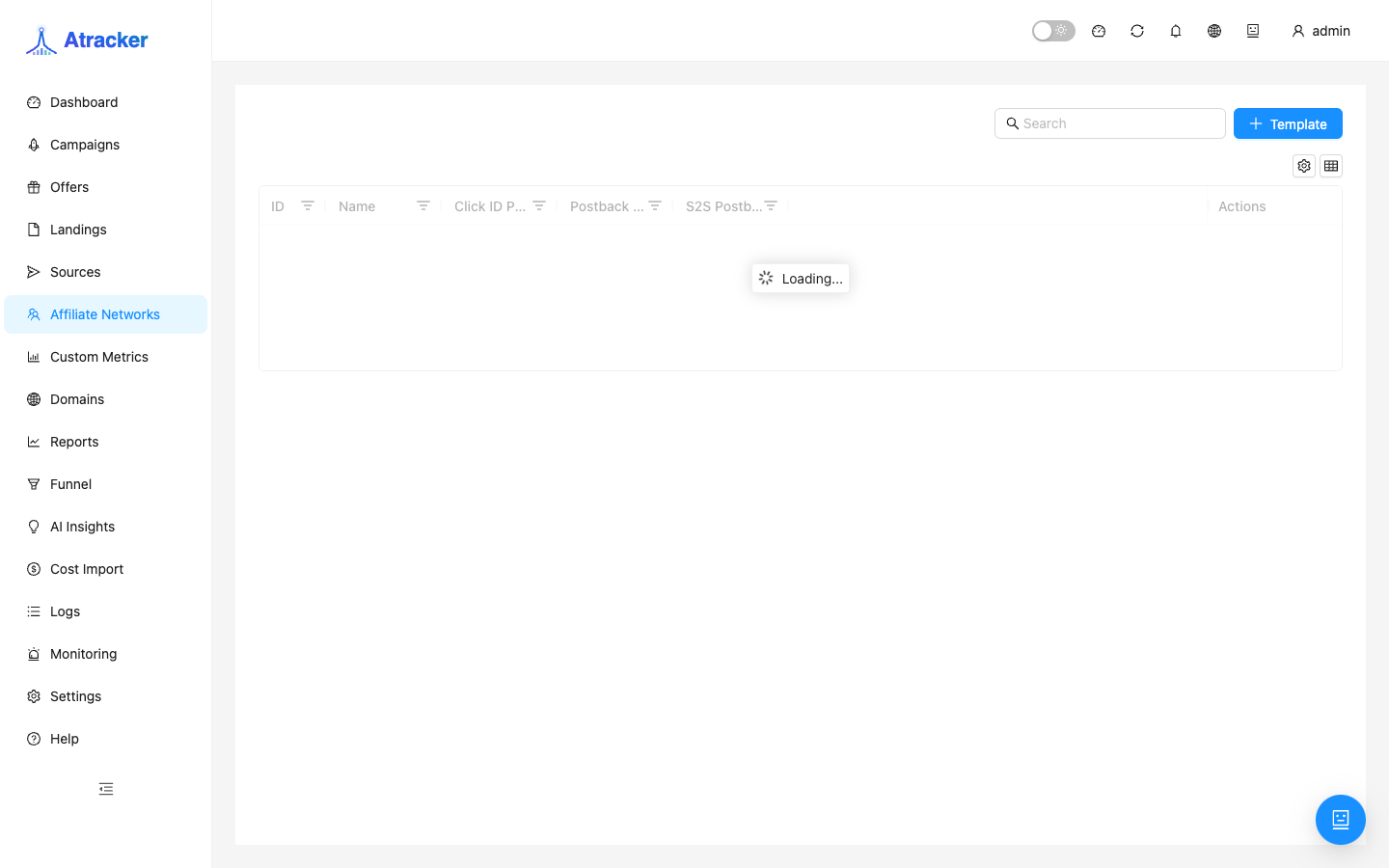
An Affiliate Network card represents the partner network that supplies your offers. The practical point of this section: get the tracker Postback URL and paste it into the network dashboard so conversions arrive in ATracker and match clicks by clickid.
Purpose. Create a network (template or custom), copy the postback into the partner cabinet, then create Offers bound to that network.
Prerequisites
Access to the partner cabinet with permission to edit offer/affiliate postback URL. Know which parameters the network sends (clickid, payout, status, goal). A tracking domain with HTTPS is preferable at this step — postback URLs are built on the instance’s working domains.
How to open
- Sidebar → Affiliate Networks (
/affiliate-networks). - Create a network from the template library or as custom.
- Copy the Postback URL into the partner’s network/offer settings — direction is “network → tracker”, not the Traffic Source postback (tracker → ads).
Setup — step by step
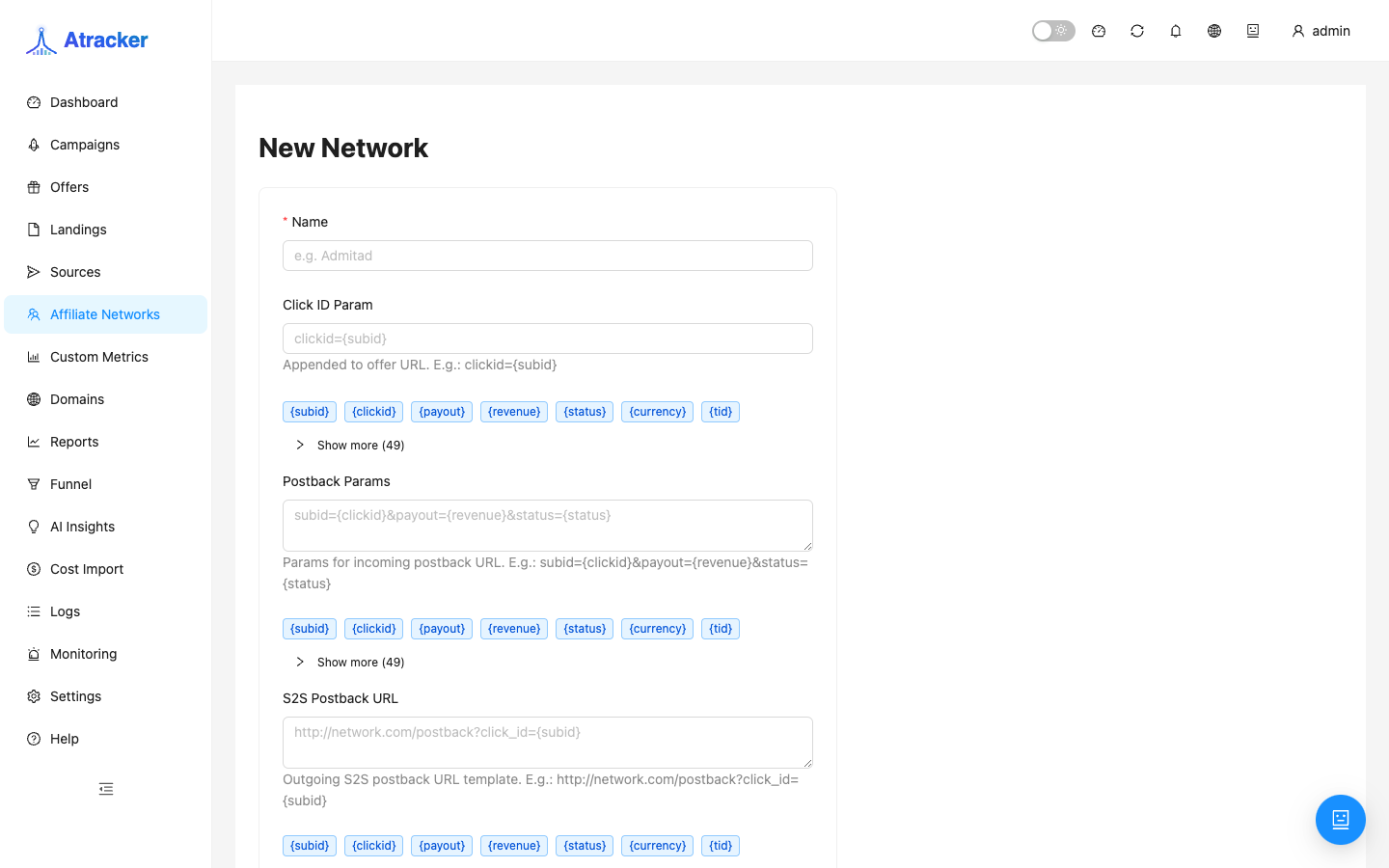
- Pick a familiar network Template or create custom if it is missing.
- Check the generated Postback URL: it must point at your tracker and include a click-id parameter the network can populate.
- If the network uses a non-standard click-id name on click/postback, set click_id_param (or the form equivalent) so the tracker knows which field to read.
- Paste the URL into the partner cabinet and save. Fire a test conversion from the network UI (if available) or a real test lead.
- Create Offers bound to this network with a URL where the network embeds the same clickid.
- Check Logs → Postbacks / Conversions: the row should be matched, not unmatched.
Inbound postback parameters — what usually matters
clickid is required to attach to a click. payout feeds revenue/ROI. status is lead / sale / rejected (and other statuses you use in rules and pixels). goal when the network sends multi-goal. If names differ, configure mapping in the template/custom — do not expect the tracker to guess.
Typical scenarios
New CPA network. Network → copy postback → partner cabinet → Offer with {clickid} → Campaign flow → test.
Many offers, one network. One Network record, many Offers; postback URL is usually one per affiliate/network.
Conversions in the network, none in the tracker. Logs postback first (did the request arrive), then clickid (did it match), then offer URL (did clickid leave to the network).
Debug order when “the network pays — the tracker is silent”
- Logs → Postbacks: is there an inbound HTTP request from the network at lead time.
- If no request — problem is in the network cabinet (URL, method, IP filter, postback not saved).
- If the request exists but is unmatched — compare clickid in the query with the click’s clickid in Logs; check parameter-name mapping.
- If matched but payout is 0 — the network omitted payout or the offer is fixed with an empty value; fix the offer payout mode.
- Only after a matched conversion trust Dashboard/Reports — aggregates can feel delayed vs raw logs; Logs answer “did it arrive”.
Do not create a network duplicate “per offer” when the postback is shared: extra cards confuse Affiliate Network reports. A duplicate makes sense when different cabinets/affiliates use different postback URLs.
A network template and a Traffic Source template cover opposite sides of accounting: the network sends conversions into the tracker; the source sends events out of the tracker into ads. Both URLs may contain the word postback — that mix-up costs the most debug time. Keep two operator notes: “Network PB → paste into CPA cabinet” and “Source PB → store/use for FB/Google/…”.
After a successful matched test, encode cabinet version/geo in the network name (“CPA-X EU”) so a month later it is obvious which postback belongs to which account.
If the network requires a tracker IP whitelist for postbacks — get the current addresses from the instance/hosting admin and save them in the cabinet before testing. Otherwise Logs stay empty while the partner shows “successful” leads, and you waste an hour on clickid when the request never arrived.
Common mistakes
- Postback pasted into Traffic Source instead of Affiliate Network (or the reverse) — event direction swapped.
- Network sends
click_idwhile the tracker expectsclickidwith no mapping — unmatched. - Test without a real tracker clickid — nothing to attach the conversion to.
- Offers created before the network and left unbound — harder to maintain postbacks and network reports.
- Postback copied from a staging instance into a production network — conversions go to the wrong place.